> ## Documentation Index
> Fetch the complete documentation index at: https://developer.kodexa.ai/llms.txt
> Use this file to discover all available pages before exploring further.
# Secrets
> Manage organization secrets and credentials in Kodexa Studio, securely storing API keys and sensitive values for use by modules and integrations at runtime.
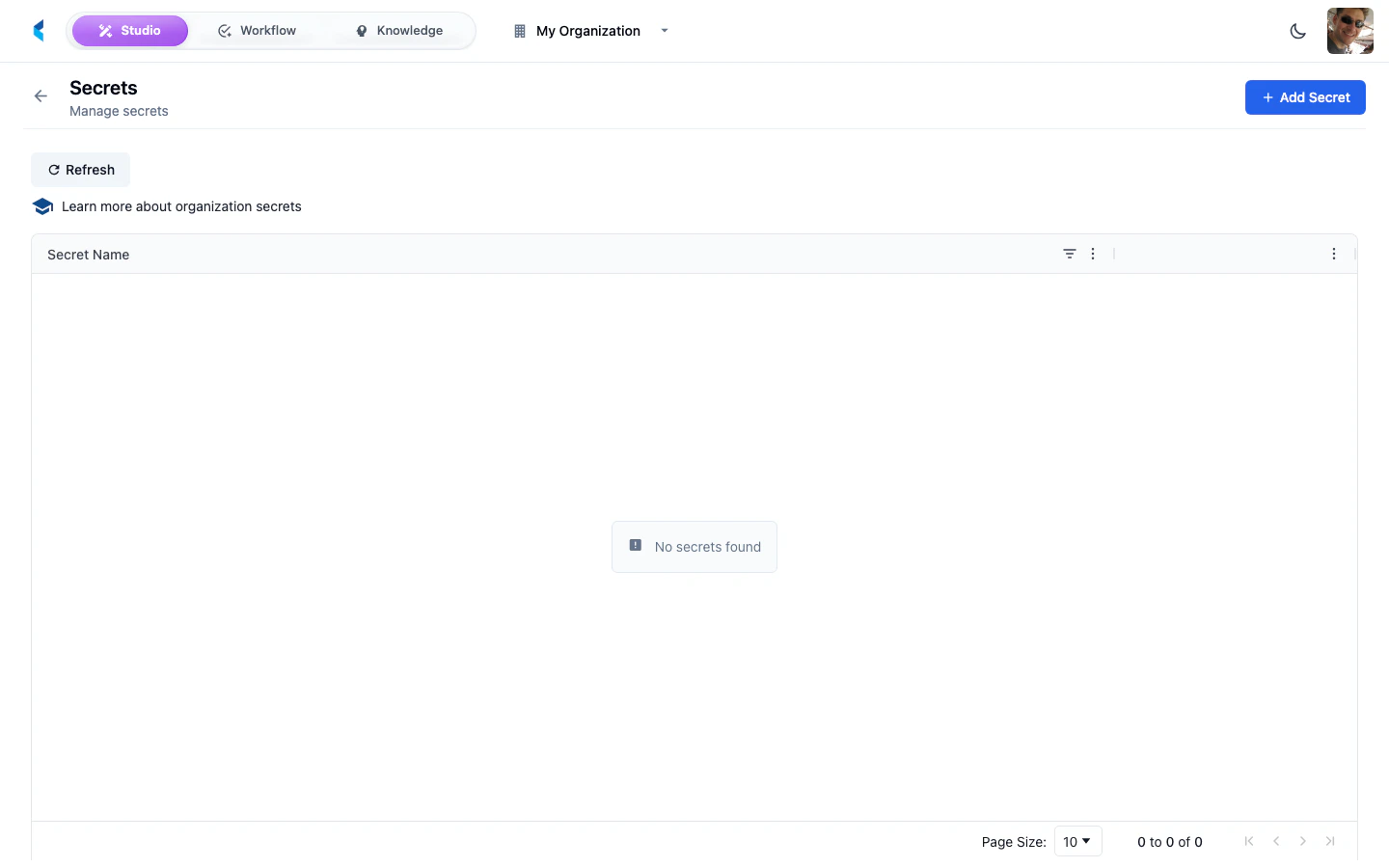
Secrets allow you to securely store API keys, credentials, and other sensitive values that modules and integrations need at runtime. Secrets are scoped to your organization and securely encrypted at rest. They are made available to processing modules during execution.
 ## Managing Secrets
### Adding a Secret
Open the secret creation form from the Secrets page.
Provide a name (used to reference the secret in modules) and the secret value. Names must contain only letters, numbers, hyphens, and underscores.
The secret is encrypted and stored securely. The value will not be displayed again after saving.
Secret values are write-only. Once saved, you cannot retrieve the original value. You can only replace it with a new value.
### Using Secrets in Modules
Modules can reference organization secrets by name. When a module executes, the platform injects the requested secrets into the module's runtime environment.
### Using Secrets in Service Bridges
[Service Bridges](/studio/project/service-bridges) can reference organization secrets using the `${secrets.SECRET_NAME}` syntax. The platform resolves these references at request time. Secrets can be used in:
* **Base URL** — `baseUrl: "${secrets.MY_API_URL}"`
* **OAuth credentials** — `clientId: "${secrets.MY_CLIENT_ID}"` and `clientSecret: "${secrets.MY_CLIENT_SECRET}"`
* **Header values** — `value: "Bearer ${secrets.MY_TOKEN}"`
```yaml theme={null}
metadata:
baseUrl: "${secrets.API_BASE_URL}"
auth:
type: oauth2_client_credentials
tokenUrl: "/v1/auth/token"
clientId: "${secrets.CLIENT_ID}"
clientSecret: "${secrets.CLIENT_SECRET}"
```
See the [Service Bridges guide](/studio/project/service-bridges#secret-references) for full details on authentication configuration.
## Secrets API
Secrets are managed through the organization-scoped API:
| Operation | Endpoint |
| ----------------- | -------------------------------------------------------- |
| List secret names | `GET /api/organizations/{orgId}/secrets` |
| Create or update | `POST /api/organizations/{orgId}/secrets` |
| Delete | `DELETE /api/organizations/{orgId}/secrets/{secretName}` |
Secret values can only be retrieved by the platform during module execution (via execution tokens). The API does not expose secret values to regular users.
Use descriptive names for secrets (e.g., `OPENAI_API_KEY`, `AWS_ACCESS_KEY`) so it is clear what each secret is used for.
## Managing Secrets
### Adding a Secret
Open the secret creation form from the Secrets page.
Provide a name (used to reference the secret in modules) and the secret value. Names must contain only letters, numbers, hyphens, and underscores.
The secret is encrypted and stored securely. The value will not be displayed again after saving.
Secret values are write-only. Once saved, you cannot retrieve the original value. You can only replace it with a new value.
### Using Secrets in Modules
Modules can reference organization secrets by name. When a module executes, the platform injects the requested secrets into the module's runtime environment.
### Using Secrets in Service Bridges
[Service Bridges](/studio/project/service-bridges) can reference organization secrets using the `${secrets.SECRET_NAME}` syntax. The platform resolves these references at request time. Secrets can be used in:
* **Base URL** — `baseUrl: "${secrets.MY_API_URL}"`
* **OAuth credentials** — `clientId: "${secrets.MY_CLIENT_ID}"` and `clientSecret: "${secrets.MY_CLIENT_SECRET}"`
* **Header values** — `value: "Bearer ${secrets.MY_TOKEN}"`
```yaml theme={null}
metadata:
baseUrl: "${secrets.API_BASE_URL}"
auth:
type: oauth2_client_credentials
tokenUrl: "/v1/auth/token"
clientId: "${secrets.CLIENT_ID}"
clientSecret: "${secrets.CLIENT_SECRET}"
```
See the [Service Bridges guide](/studio/project/service-bridges#secret-references) for full details on authentication configuration.
## Secrets API
Secrets are managed through the organization-scoped API:
| Operation | Endpoint |
| ----------------- | -------------------------------------------------------- |
| List secret names | `GET /api/organizations/{orgId}/secrets` |
| Create or update | `POST /api/organizations/{orgId}/secrets` |
| Delete | `DELETE /api/organizations/{orgId}/secrets/{secretName}` |
Secret values can only be retrieved by the platform during module execution (via execution tokens). The API does not expose secret values to regular users.
Use descriptive names for secrets (e.g., `OPENAI_API_KEY`, `AWS_ACCESS_KEY`) so it is clear what each secret is used for.