> ## Documentation Index
> Fetch the complete documentation index at: https://developer.kodexa.ai/llms.txt
> Use this file to discover all available pages before exploring further.
# Project Metadata in Studio
> Manage Kodexa project metadata categories and properties in Studio, providing standardized values for document status, task fields, and project classifications.
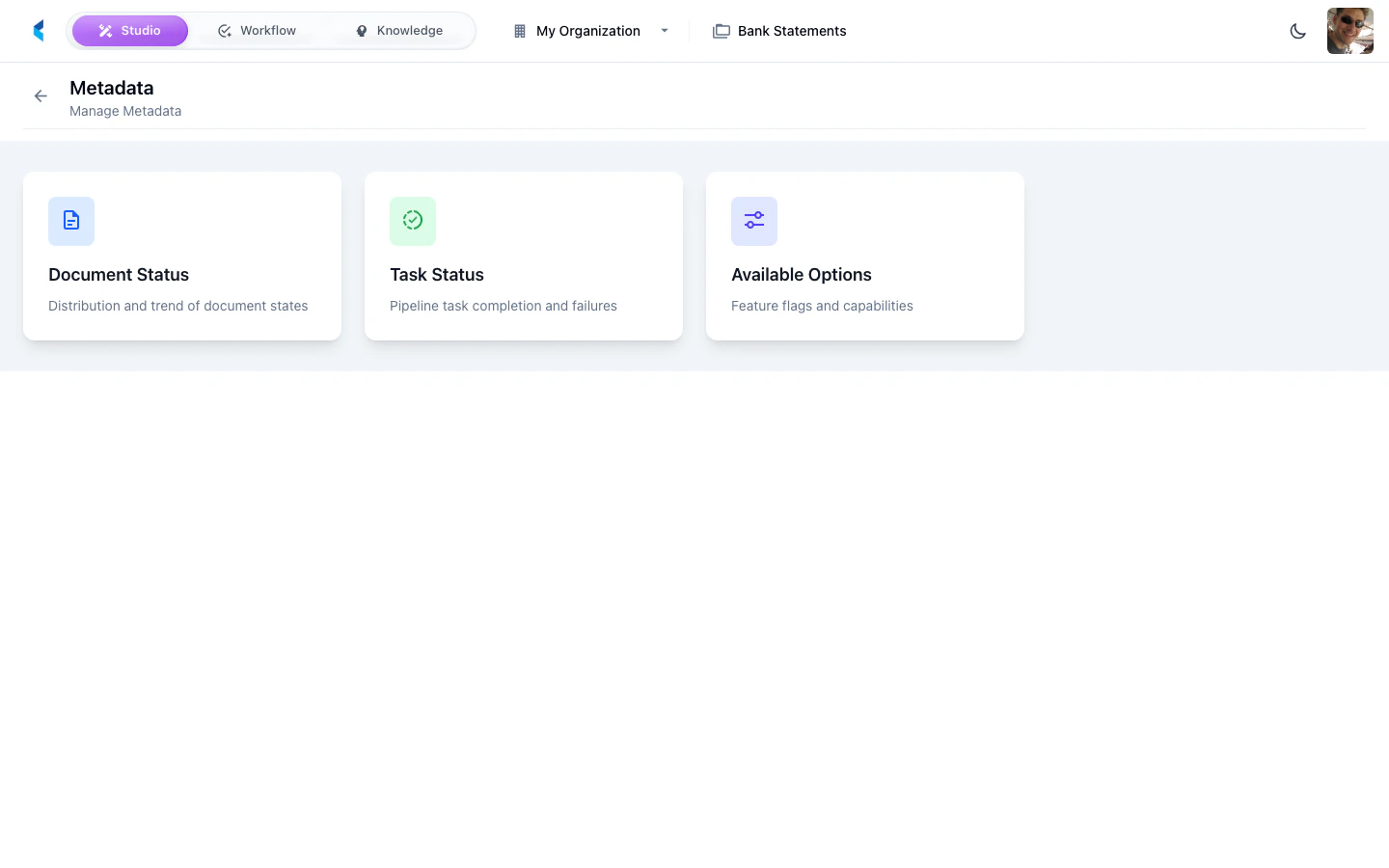
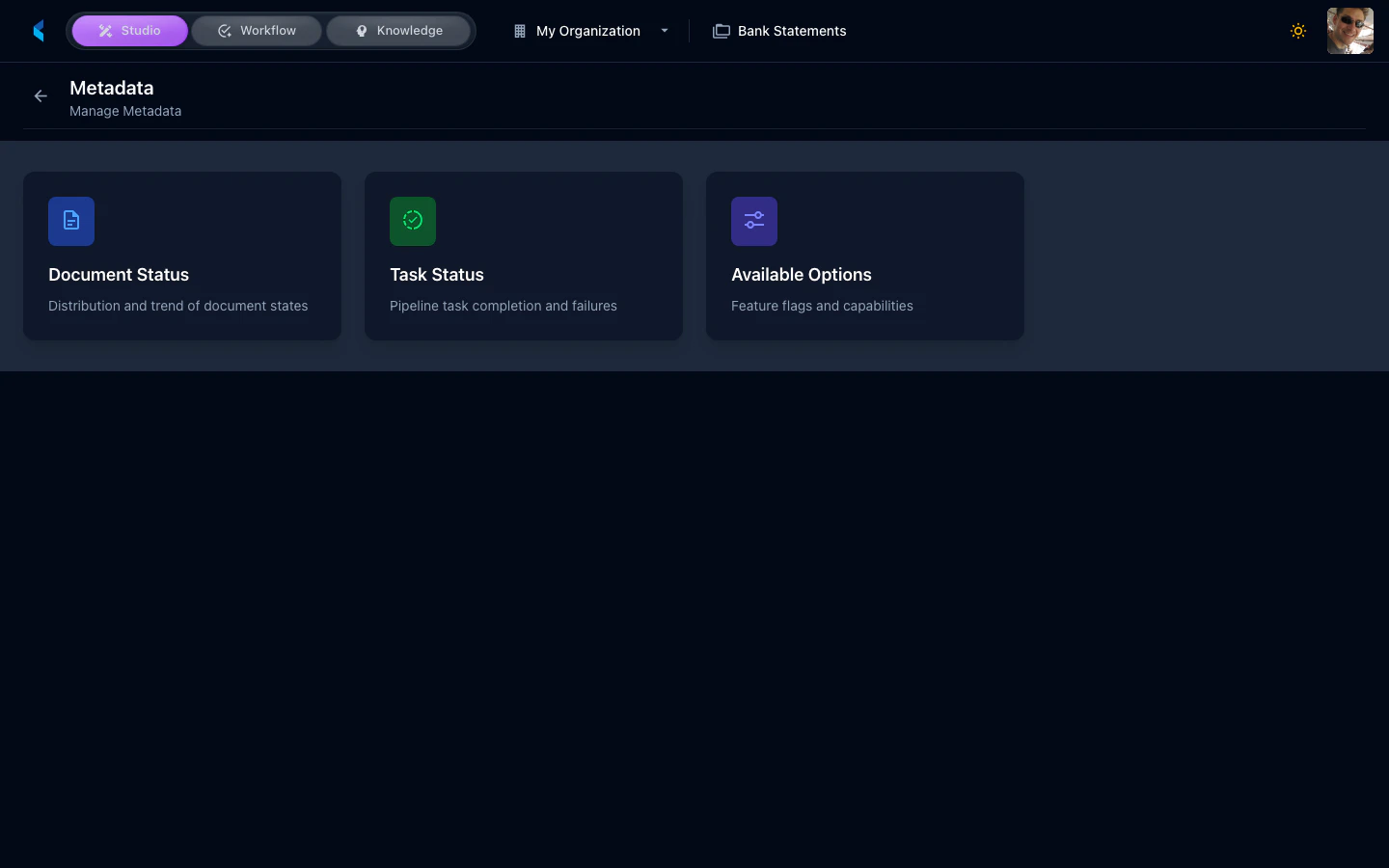
The Metadata page lets you manage structured metadata categories used throughout your project. These categories provide standardized values for document status, task management, and other project-wide classifications.
 ## Metadata Categories
The following metadata categories are typically available:
* **Document Status** — Values for tracking document processing status
* **Task Status** — Values for tracking task lifecycle states
* **Task Tags** — Labels for categorizing and filtering tasks
Some categories are read-only and reflect analytics data derived from project activity.
## Managing Metadata
### Editing Values
For editable categories, you can add, rename, or remove values. These values become available in dropdowns, filters, and status selectors throughout the project.
Changes to metadata values take effect immediately and will be reflected in all views that reference those categories.
## Metadata Categories
The following metadata categories are typically available:
* **Document Status** — Values for tracking document processing status
* **Task Status** — Values for tracking task lifecycle states
* **Task Tags** — Labels for categorizing and filtering tasks
Some categories are read-only and reflect analytics data derived from project activity.
## Managing Metadata
### Editing Values
For editable categories, you can add, rename, or remove values. These values become available in dropdowns, filters, and status selectors throughout the project.
Changes to metadata values take effect immediately and will be reflected in all views that reference those categories.