> ## Documentation Index
> Fetch the complete documentation index at: https://developer.kodexa.ai/llms.txt
> Use this file to discover all available pages before exploring further.
# Project Home
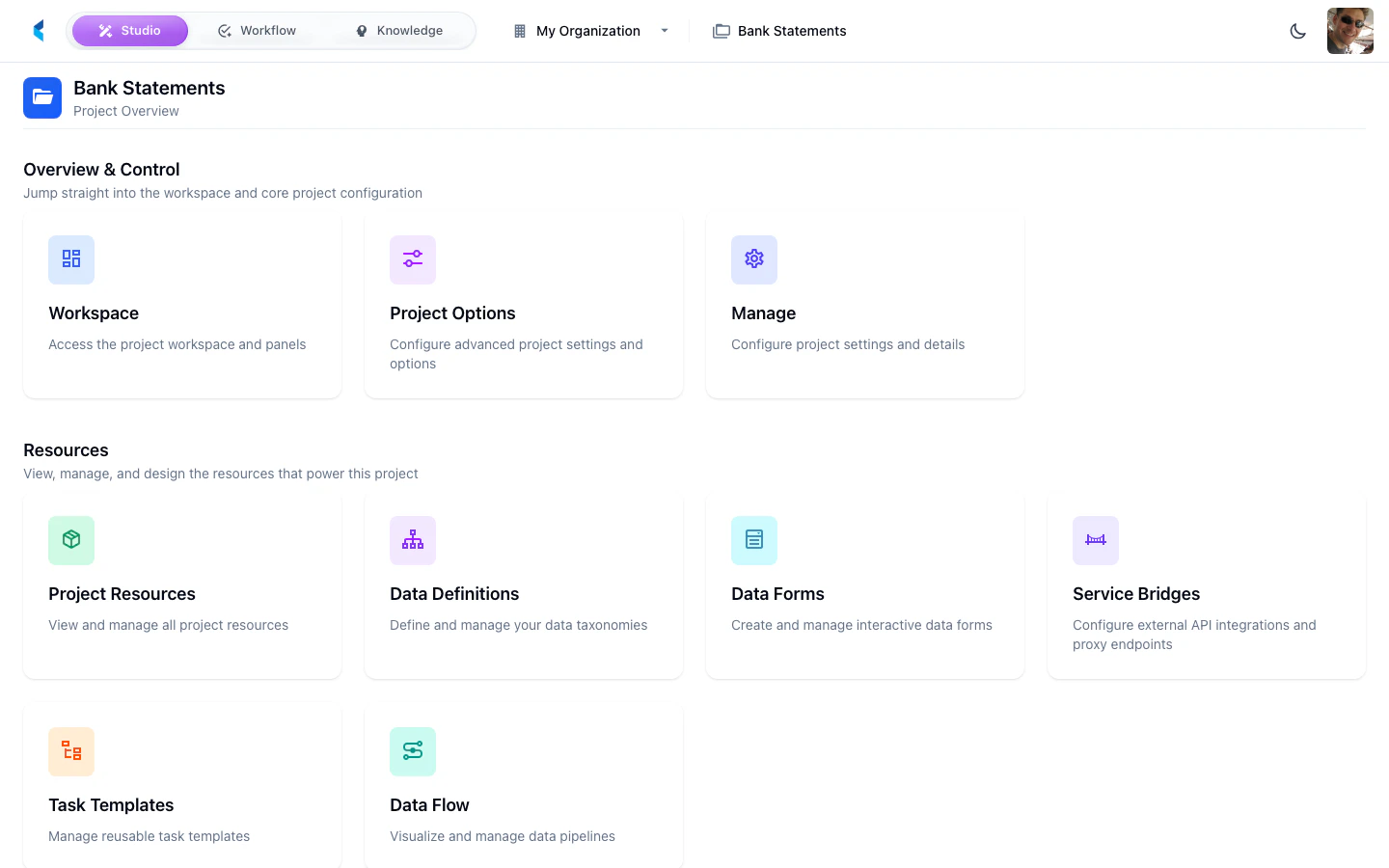
> The Kodexa Studio Project Home is the central hub for a project, with a card-based layout for resources, executions, configuration, and management tools.
The Project Home is the central hub for a specific project. It presents a card-based layout organized into functional categories, providing quick access to all project configuration, resources, execution, and management tools.
 ## Card Groups
### Overview & Control
Open the full workspace for document review, annotation, and AI interaction.
Configure project settings and advanced options.
### Resources
View all resources (stores, modules, definitions) associated with this project.
Define and manage data taxonomies for document extraction.
Create interactive forms for structured data review and entry.
Configure external API integrations and proxy endpoints.
Manage reusable task templates for standardized workflows.
Visualize and manage data processing pipelines.
### Execution & Automation
Configure scheduled model executions and automated processing.
View the execution history of scheduled jobs.
Monitor real-time event processing and execution logs.
Access project-level analytics and dashboards.
### Templates & Metadata
Manage project metadata categories and properties.
Package this project as a reusable template.
## Project Header
The project home header shows the project name with a back arrow to return to the Organization Home. When you navigate into a sub-view (e.g., Data Definitions), the header updates to show the sub-view name with a breadcrumb back to Project Home.
## Card Groups
### Overview & Control
Open the full workspace for document review, annotation, and AI interaction.
Configure project settings and advanced options.
### Resources
View all resources (stores, modules, definitions) associated with this project.
Define and manage data taxonomies for document extraction.
Create interactive forms for structured data review and entry.
Configure external API integrations and proxy endpoints.
Manage reusable task templates for standardized workflows.
Visualize and manage data processing pipelines.
### Execution & Automation
Configure scheduled model executions and automated processing.
View the execution history of scheduled jobs.
Monitor real-time event processing and execution logs.
Access project-level analytics and dashboards.
### Templates & Metadata
Manage project metadata categories and properties.
Package this project as a reusable template.
## Project Header
The project home header shows the project name with a back arrow to return to the Organization Home. When you navigate into a sub-view (e.g., Data Definitions), the header updates to show the sub-view name with a breadcrumb back to Project Home.