> ## Documentation Index
> Fetch the complete documentation index at: https://developer.kodexa.ai/llms.txt
> Use this file to discover all available pages before exploring further.
# Project Settings & Options
> Configure Kodexa project settings and advanced feature options in Studio, including basic project information and behavior controls for advanced workflows.
The Project Settings page lets you manage basic project information and advanced feature options that control how the project behaves.
## Project Details
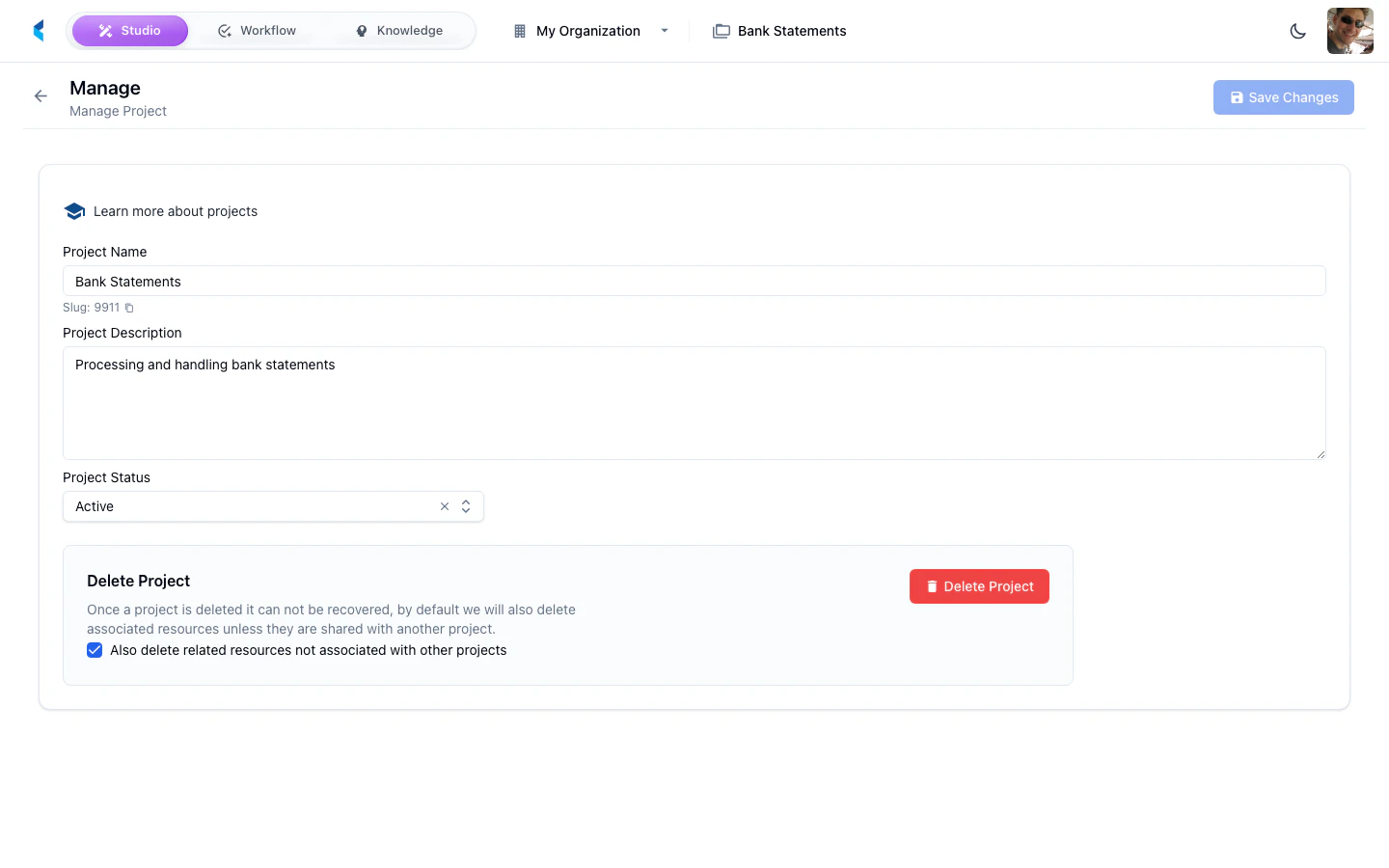
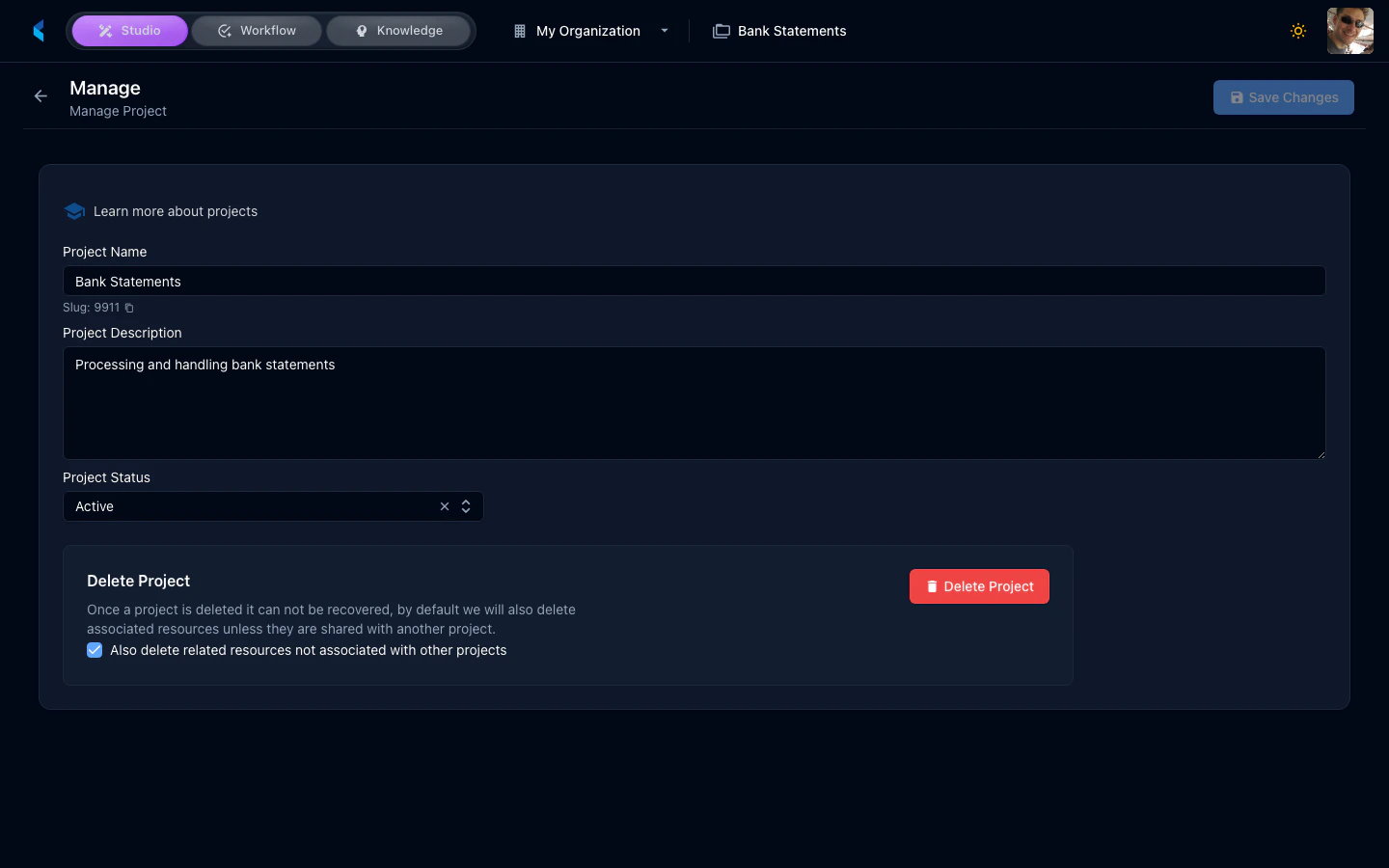
You can update the following project details:
* **Name** — The display name for your project
* **Description** — A brief description of the project's purpose
* **Owner** — The team member responsible for the project
* **Status** — The current project lifecycle status
 ## Project Options
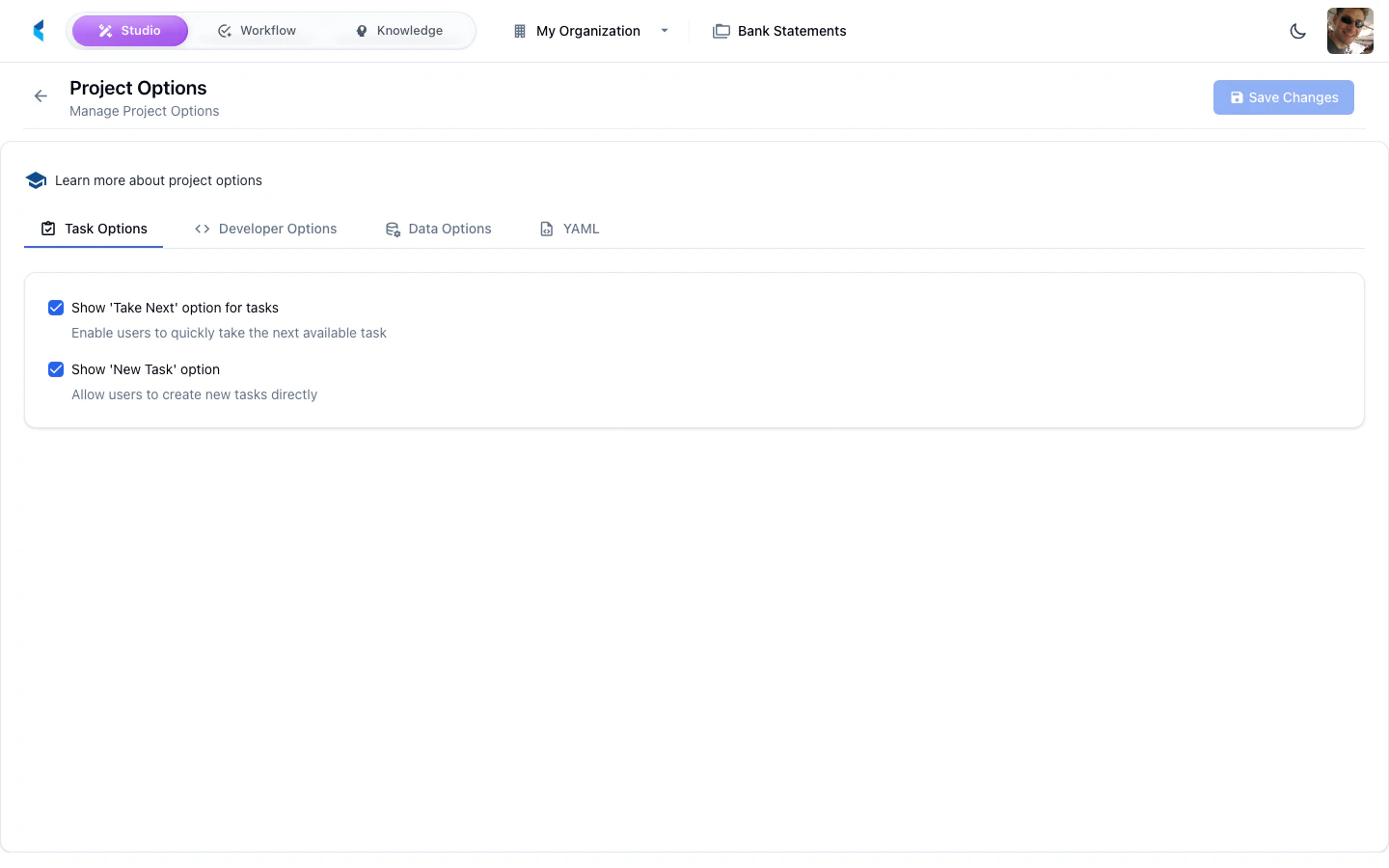
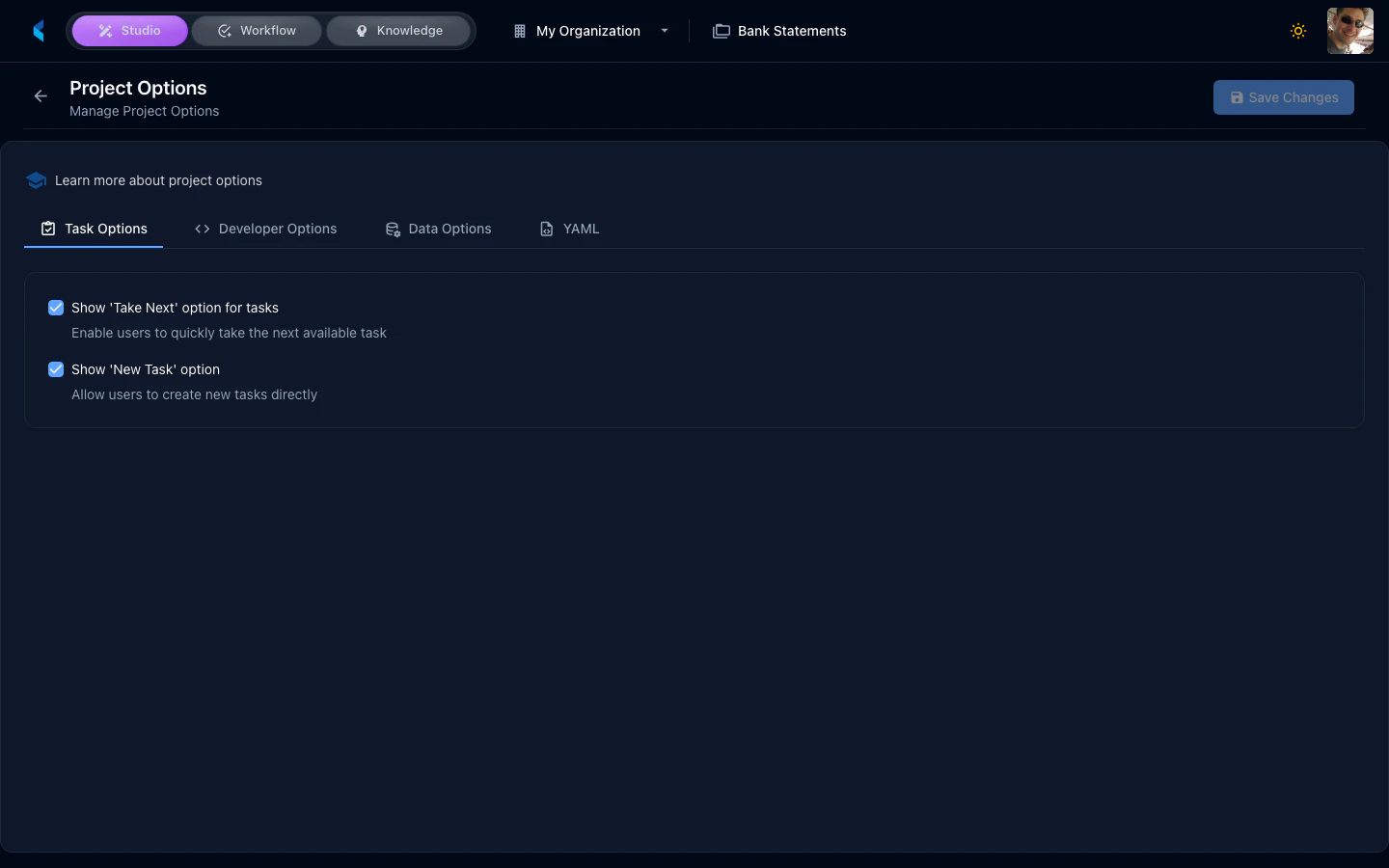
Project Options provide advanced toggle switches that control specific behaviors and features within the project. These are organized as feature flags that can be enabled or disabled.
## Project Options
Project Options provide advanced toggle switches that control specific behaviors and features within the project. These are organized as feature flags that can be enabled or disabled.
 Available options depend on your organization's feature configuration and product subscriptions.