> ## Documentation Index
> Fetch the complete documentation index at: https://developer.kodexa.ai/llms.txt
> Use this file to discover all available pages before exploring further.
# Project Statuses
> Configure Kodexa project status values in Studio to define the lifecycle stages projects can move through and provide a standardized progress vocabulary.
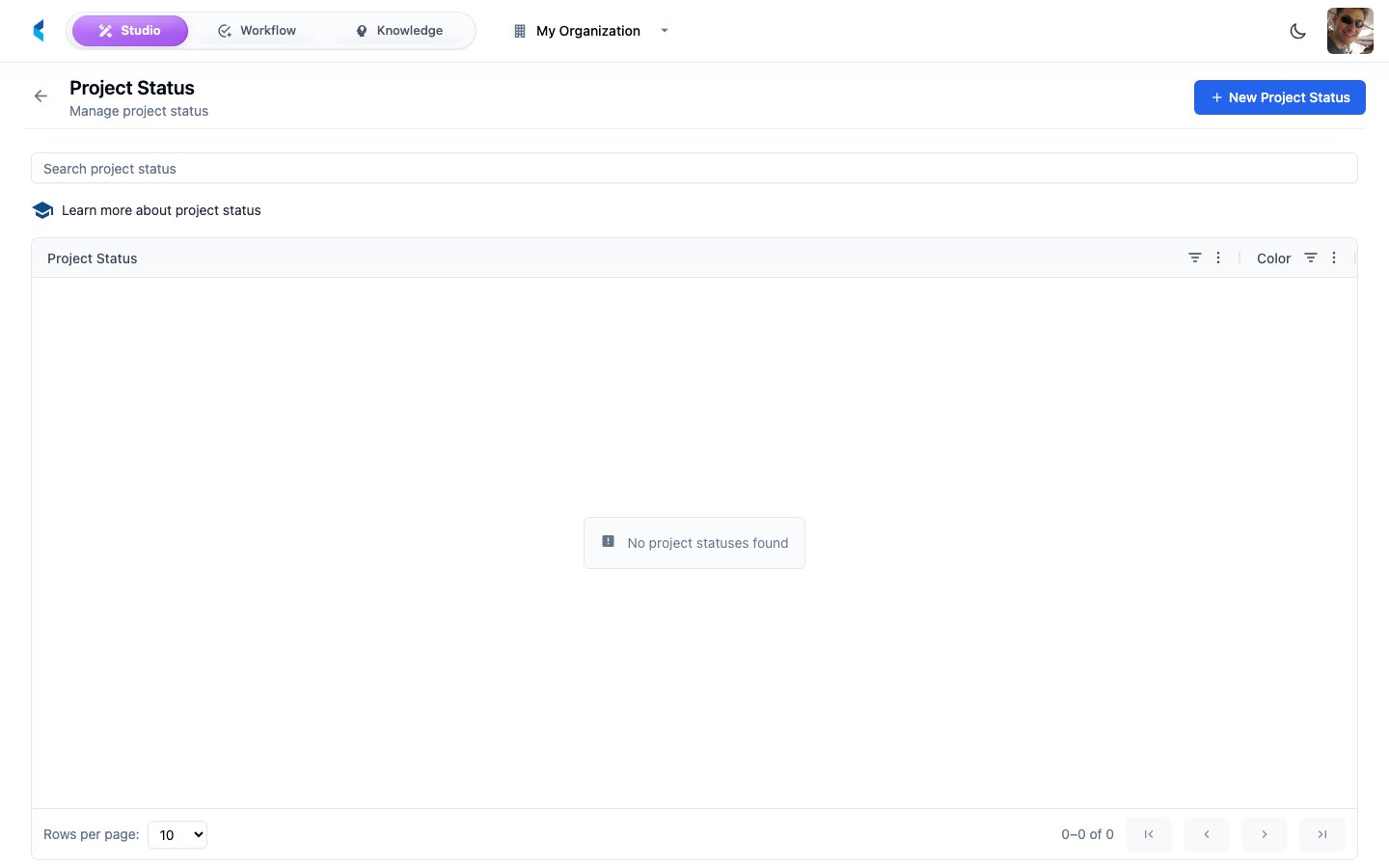
Project Statuses define the lifecycle stages that projects in your organization can move through. They provide a standardized vocabulary for tracking project progress.
 ## Managing Statuses
### Default Statuses
New organizations come with a set of default project statuses. You can customize these or add new ones to match your workflow.
### Creating a Status
Open the status creation form from the Project Statuses page.
Set the status name and optionally assign a color for visual identification.
The status becomes available for use across all projects in your organization.
Keep your status list focused and aligned with your actual workflow stages. Too many statuses can reduce clarity rather than improve it.
## Managing Statuses
### Default Statuses
New organizations come with a set of default project statuses. You can customize these or add new ones to match your workflow.
### Creating a Status
Open the status creation form from the Project Statuses page.
Set the status name and optionally assign a color for visual identification.
The status becomes available for use across all projects in your organization.
Keep your status list focused and aligned with your actual workflow stages. Too many statuses can reduce clarity rather than improve it.