
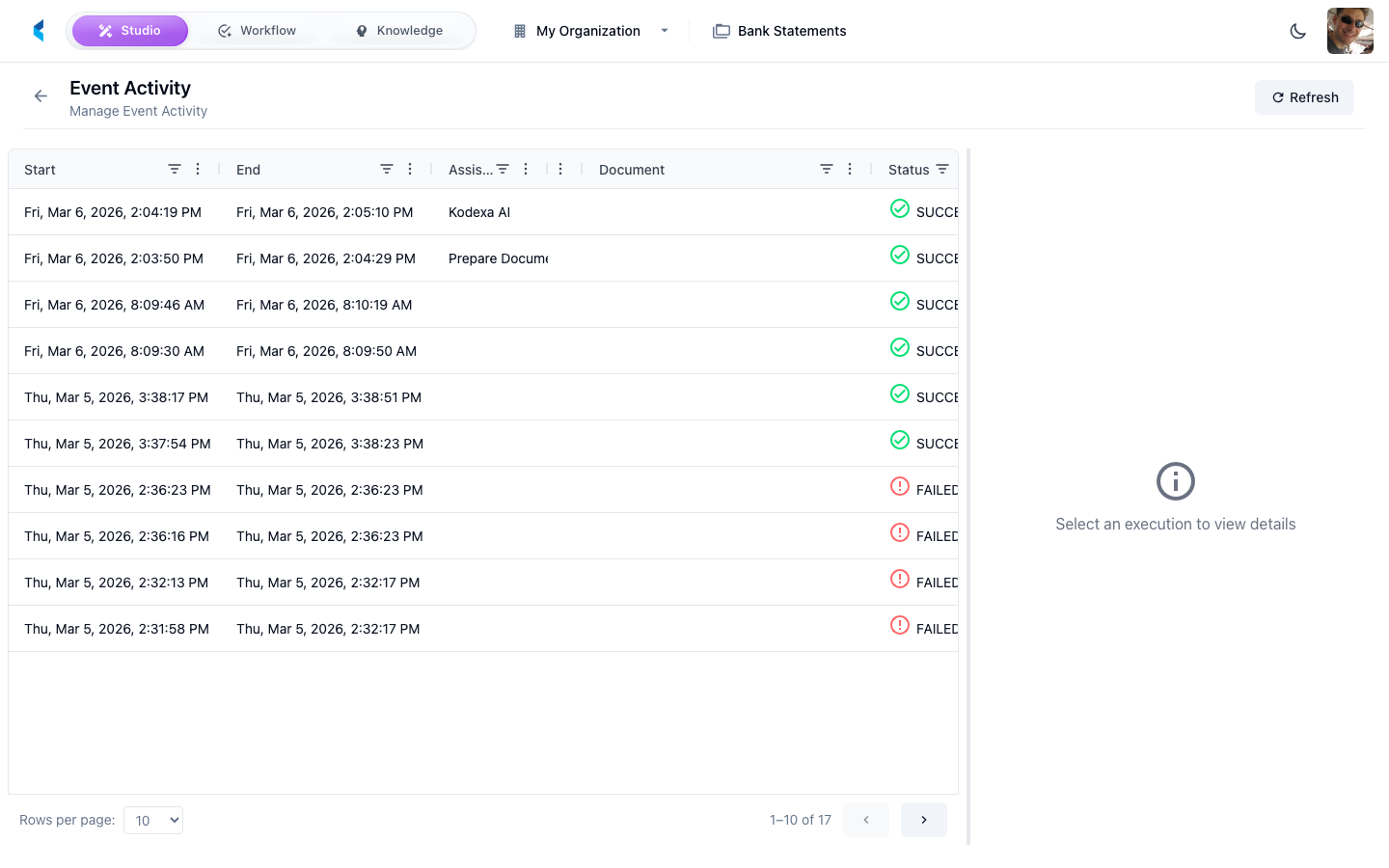
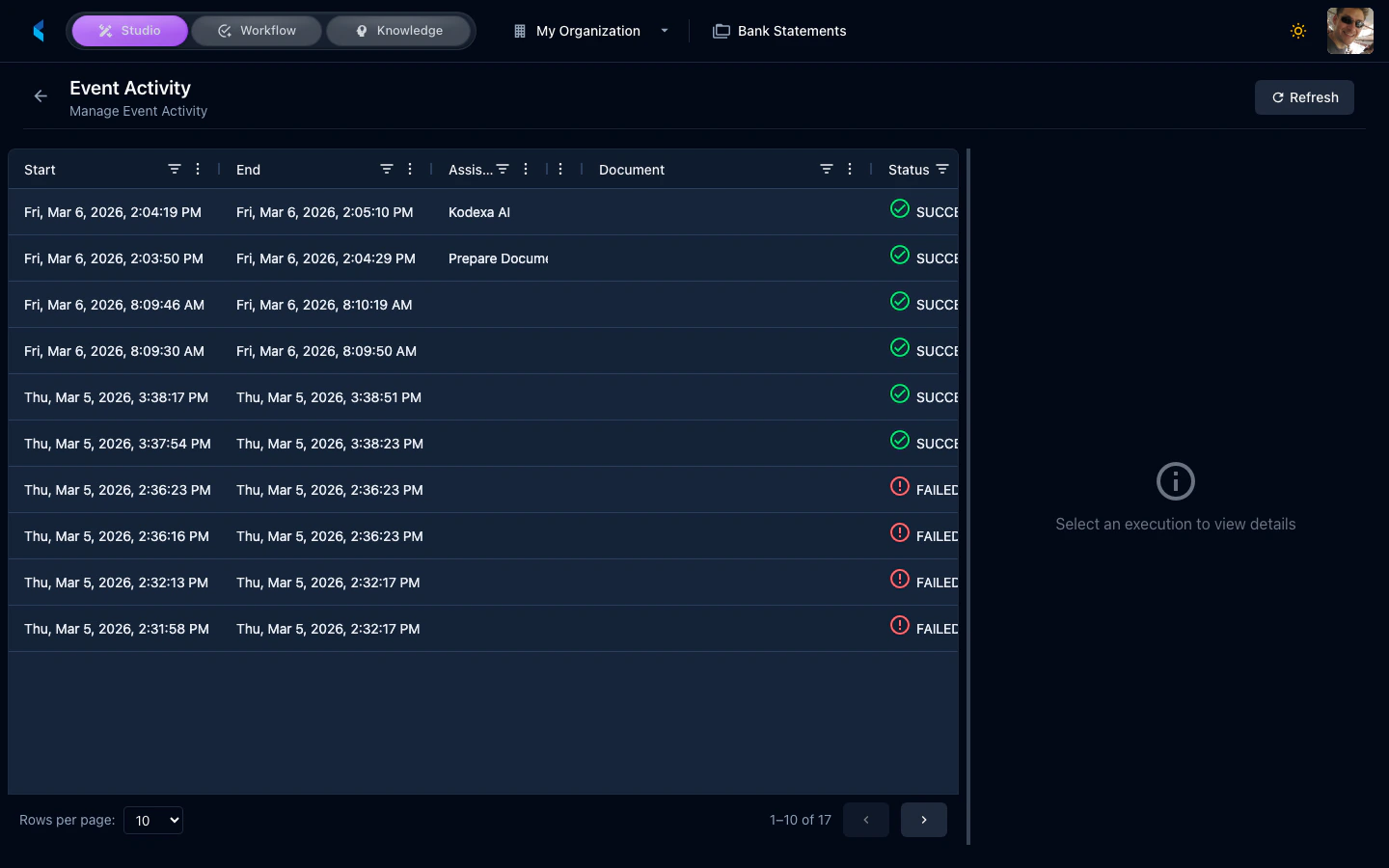
Understanding Events
Events are generated when:- Documents are uploaded or ingested
- Processing pipelines execute
- Modules complete or fail
- Tasks are created or updated
- Scheduled jobs run
Using Event Activity
The event stream helps you:- Monitor processing — Watch documents move through your pipelines in real time
- Debug issues — Identify which step in a pipeline failed and why
- Track activity — See what is happening in your project at any given moment