
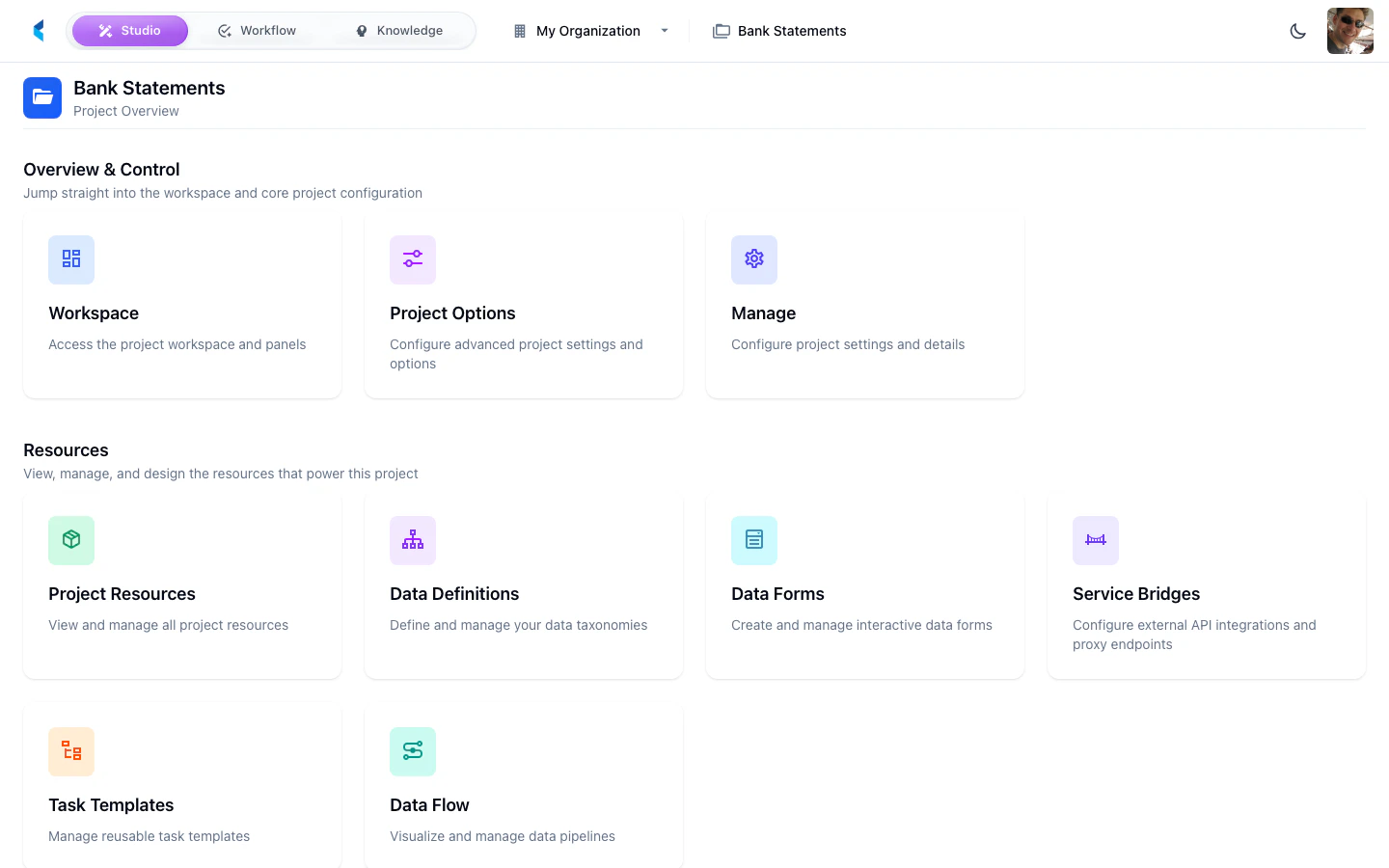
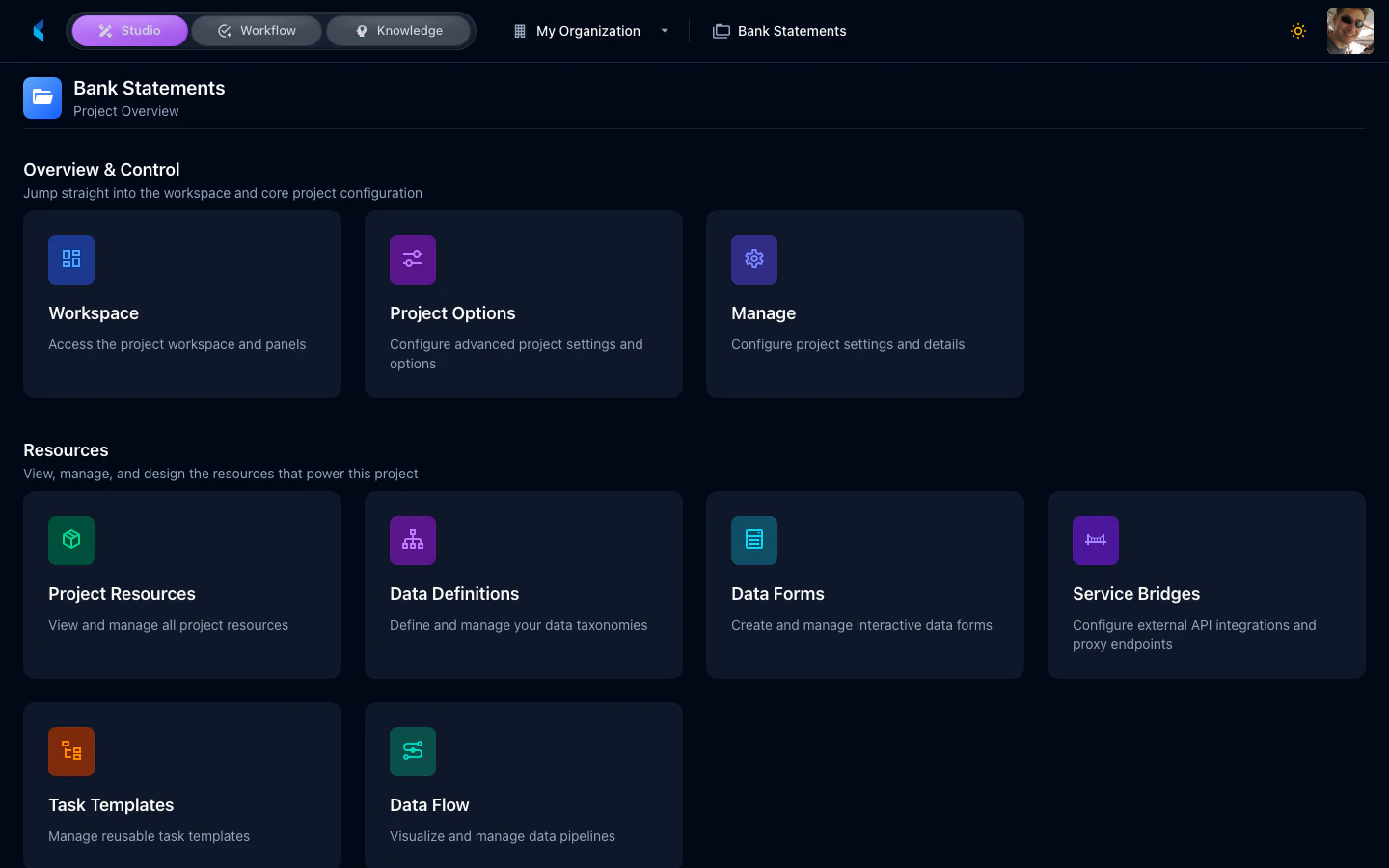
Card Groups
Overview & Control
Workspace
Open the full workspace for document review, annotation, and AI interaction.
Project Settings
Configure project settings and advanced options.
Resources
Project Resources
View all resources (stores, modules, definitions) associated with this project.
Data Definitions
Define and manage data taxonomies for document extraction.
Data Forms
Create interactive forms for structured data review and entry.
Service Bridges
Configure external API integrations and proxy endpoints.
Task Templates
Manage reusable task templates for standardized workflows.
Data Flow
Visualize and manage data processing pipelines.
Execution & Automation
Scheduled Jobs
Configure scheduled model executions and automated processing.
Scheduled Job History
View the execution history of scheduled jobs.
Event Activity
Monitor real-time event processing and execution logs.
Reporting
Access project-level analytics and dashboards.
Templates & Metadata
Metadata
Manage project metadata categories and properties.
Create Template
Package this project as a reusable template.
Project Header
The project home header shows the project name with a back arrow to return to the Organization Home. When you navigate into a sub-view (e.g., Data Definitions), the header updates to show the sub-view name with a breadcrumb back to Project Home.