
Resource Types
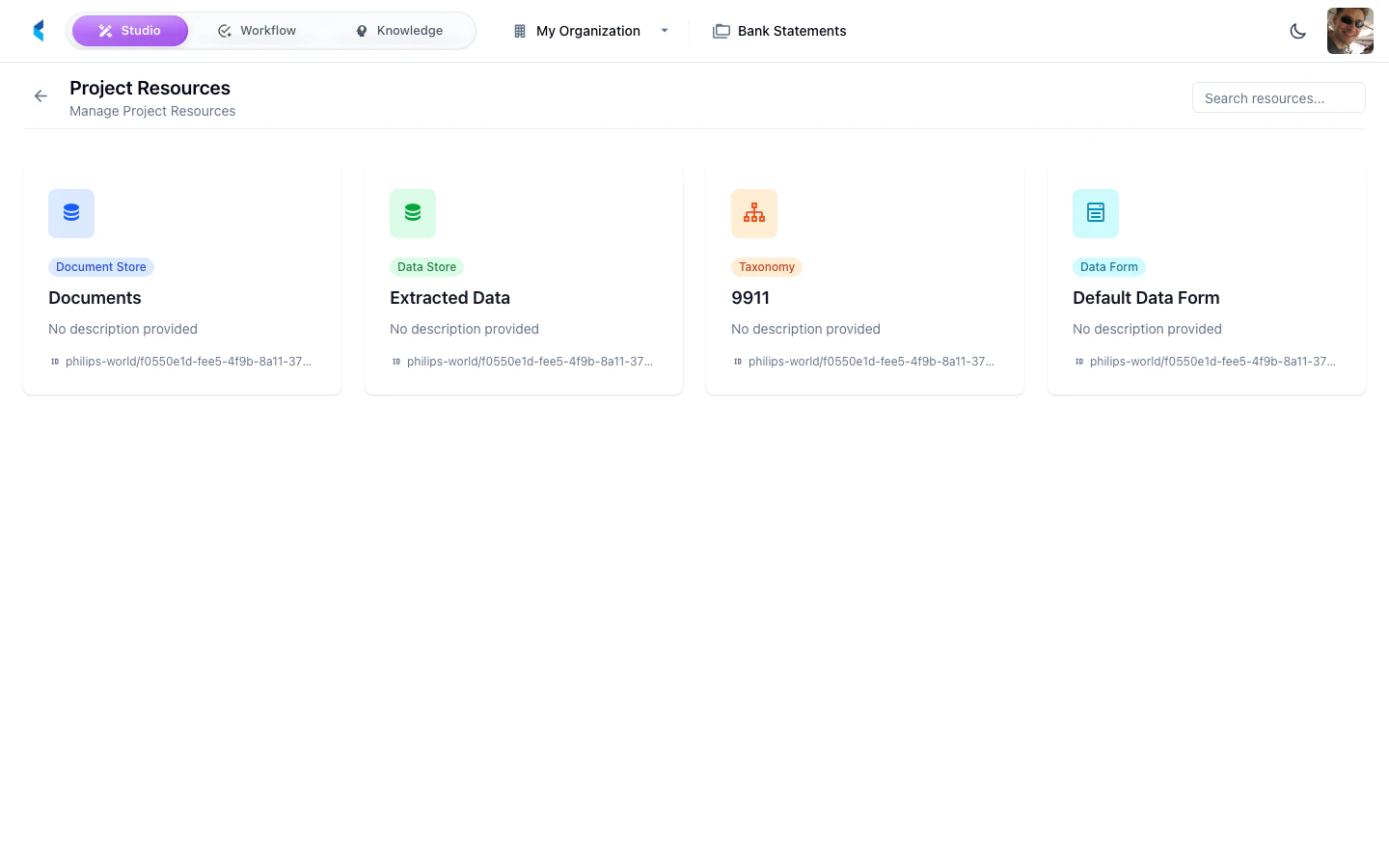
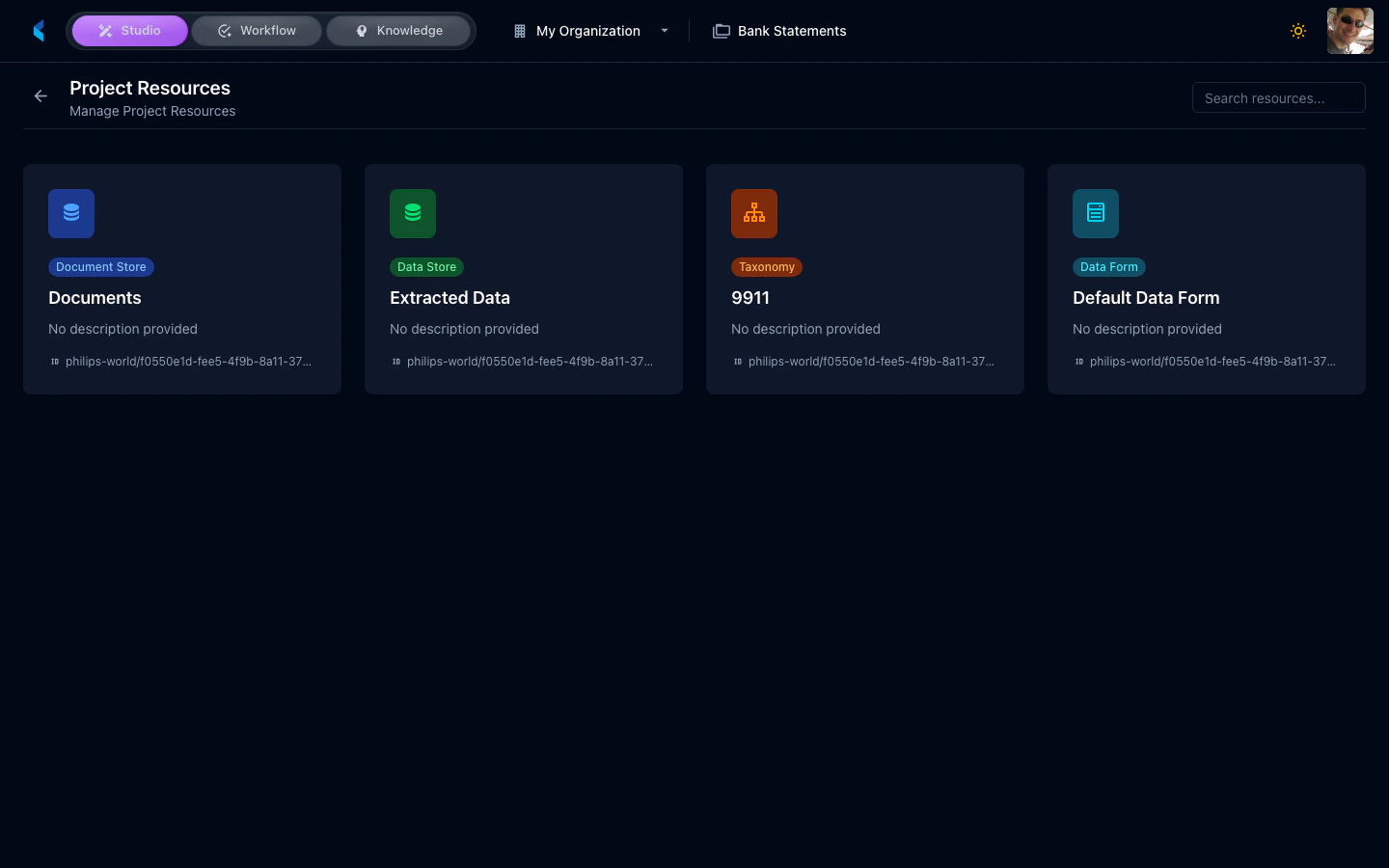
A project can contain the following types of resources:- Document Stores — Storage containers for document families and their content
- Data Stores — Storage for structured extracted data
- Modules — Processing modules (infer, transformer, event) used in pipelines
- Data Definitions — Taxonomy schemas defining the structure of extracted data
- Data Forms — Interactive forms for data review and entry
- Assistants — AI-powered processing pipelines that orchestrate modules
Managing Resources
From the resources grid, you can:- Search — Filter resources by name or type
- View Details — Click a resource to see its full configuration
- Navigate — Jump to the resource’s dedicated management page