
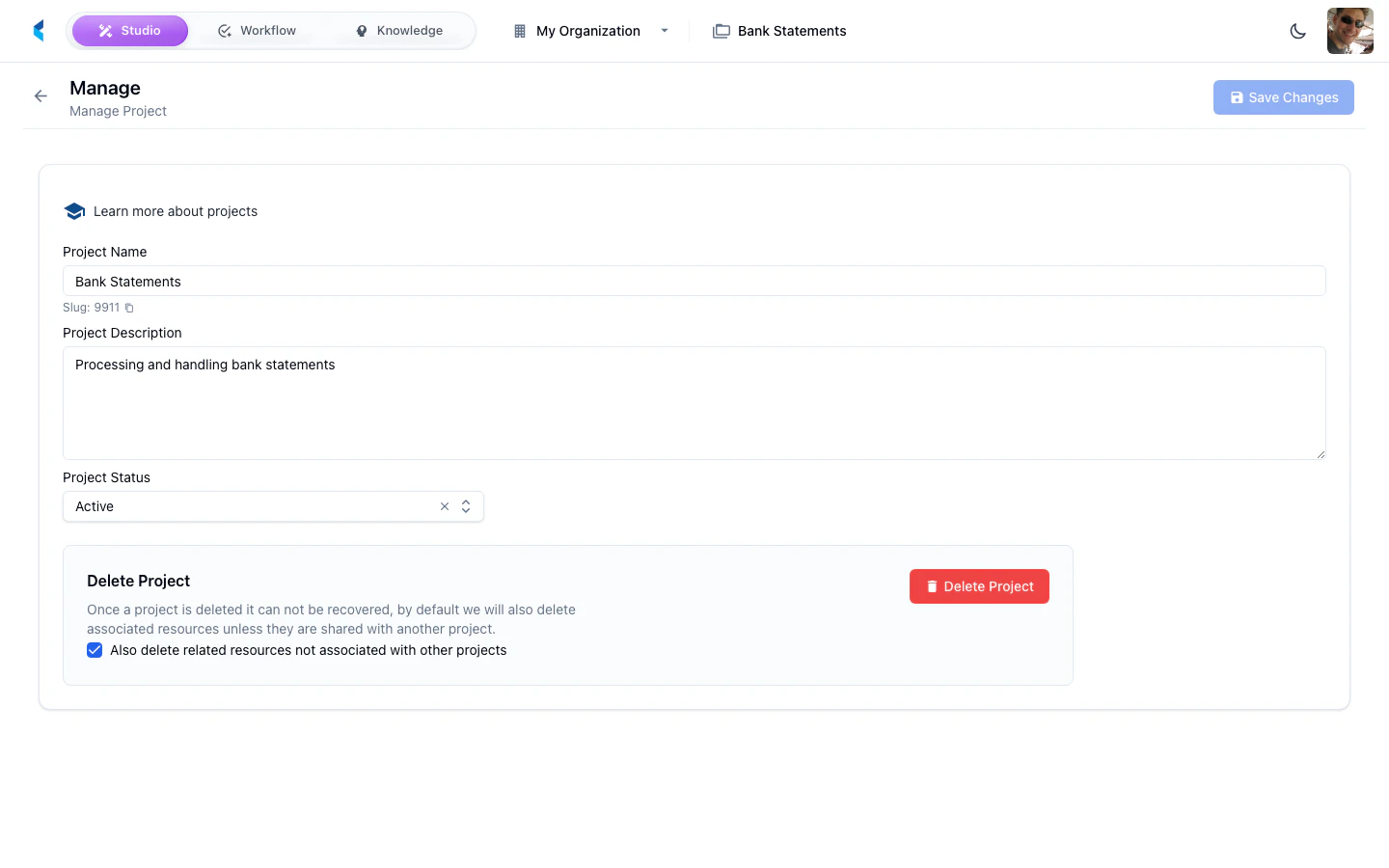
Project Details
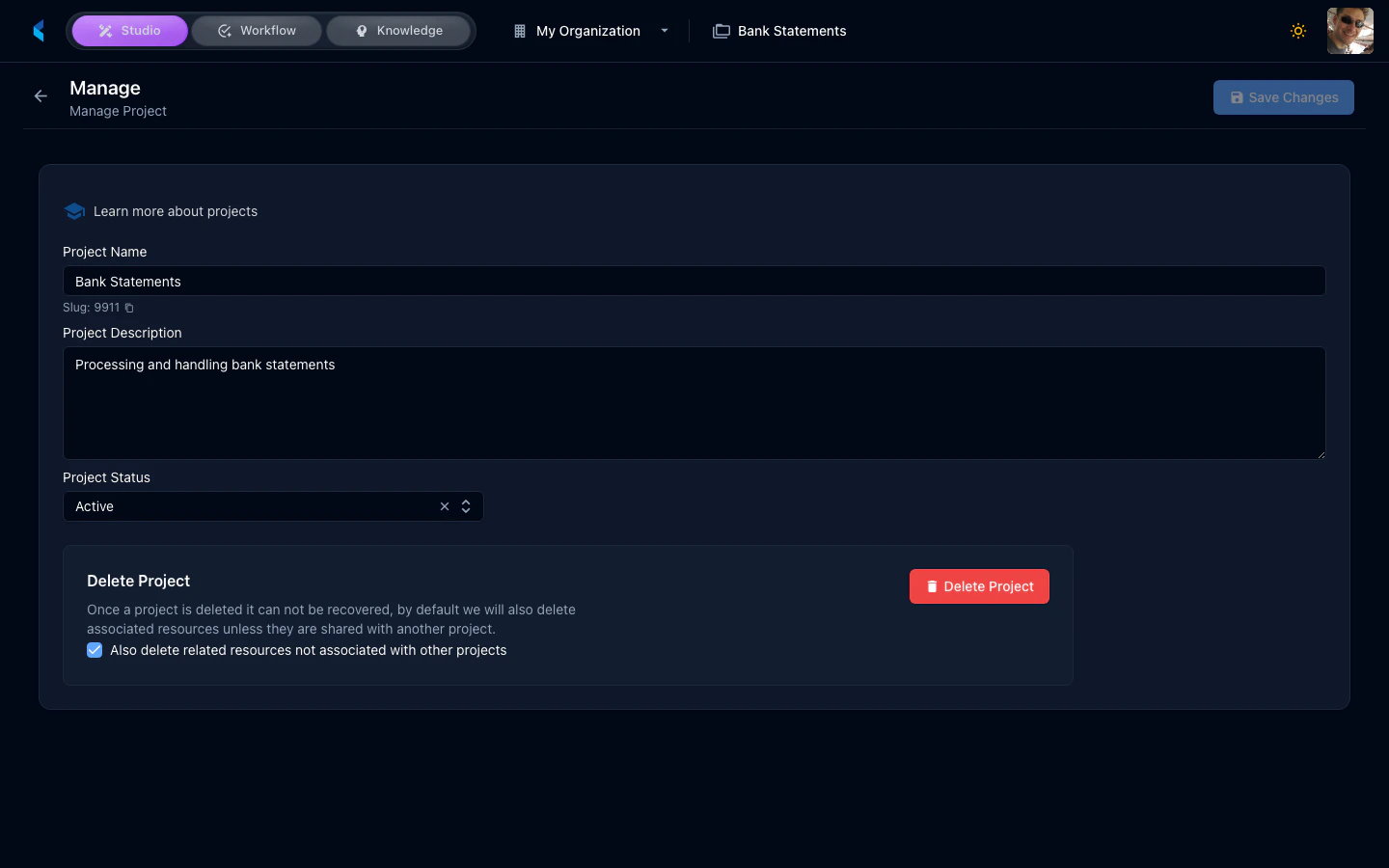
You can update the following project details:- Name — The display name for your project
- Description — A brief description of the project’s purpose
- Owner — The team member responsible for the project
- Status — The current project lifecycle status
Project Options
Project Options provide advanced toggle switches that control specific behaviors and features within the project. These are organized as feature flags that can be enabled or disabled.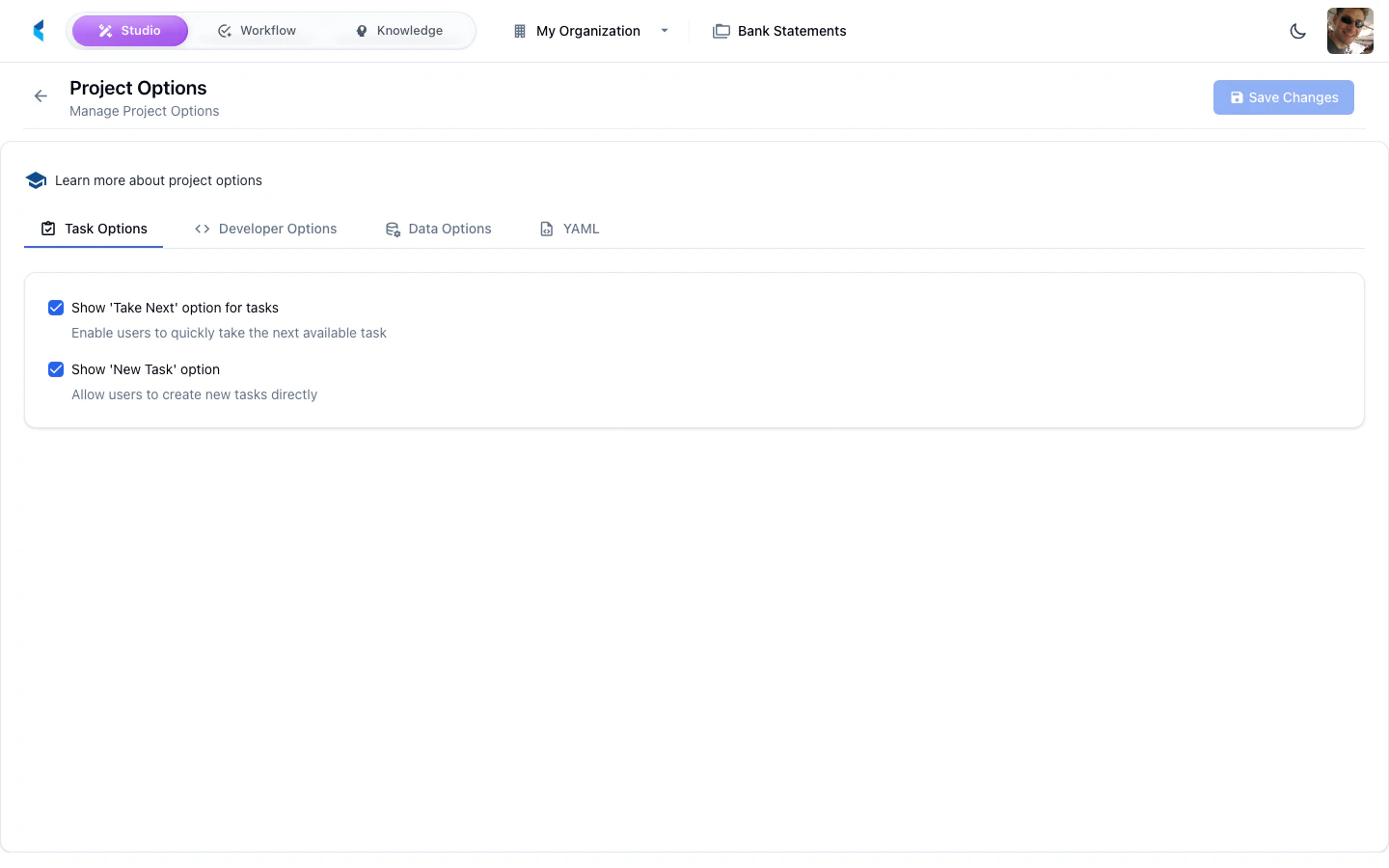
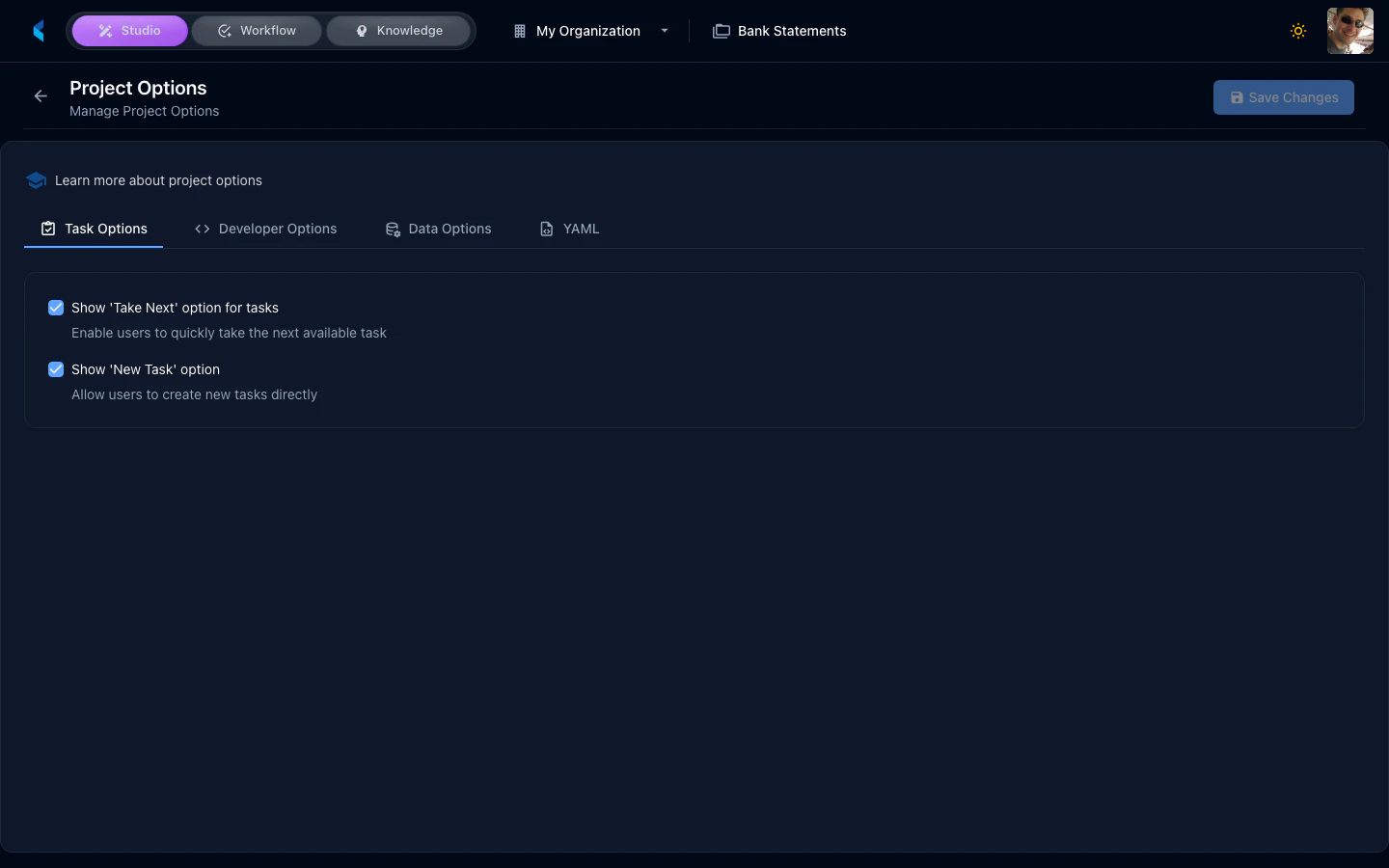
Available options depend on your organization’s feature configuration and product subscriptions.