
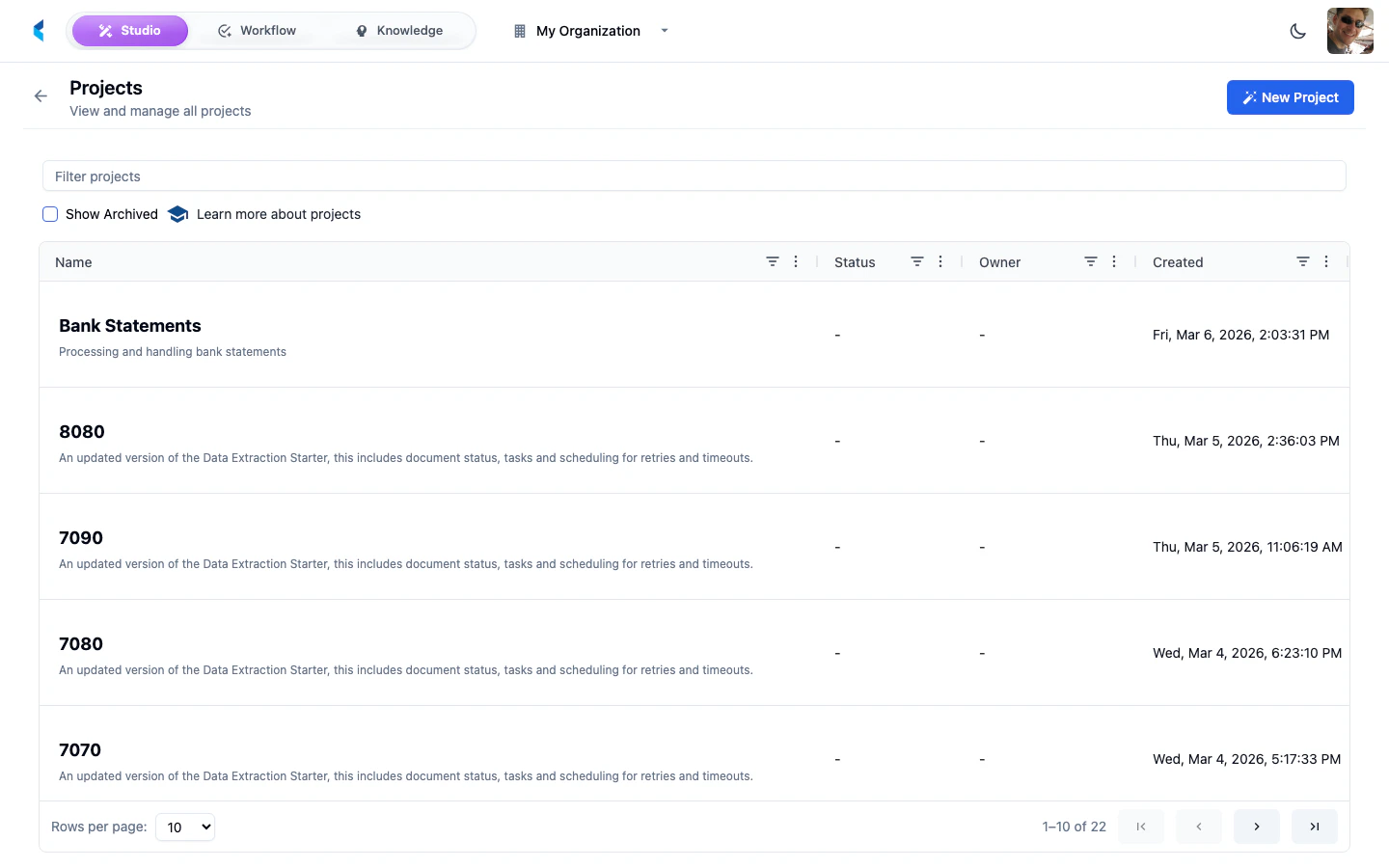
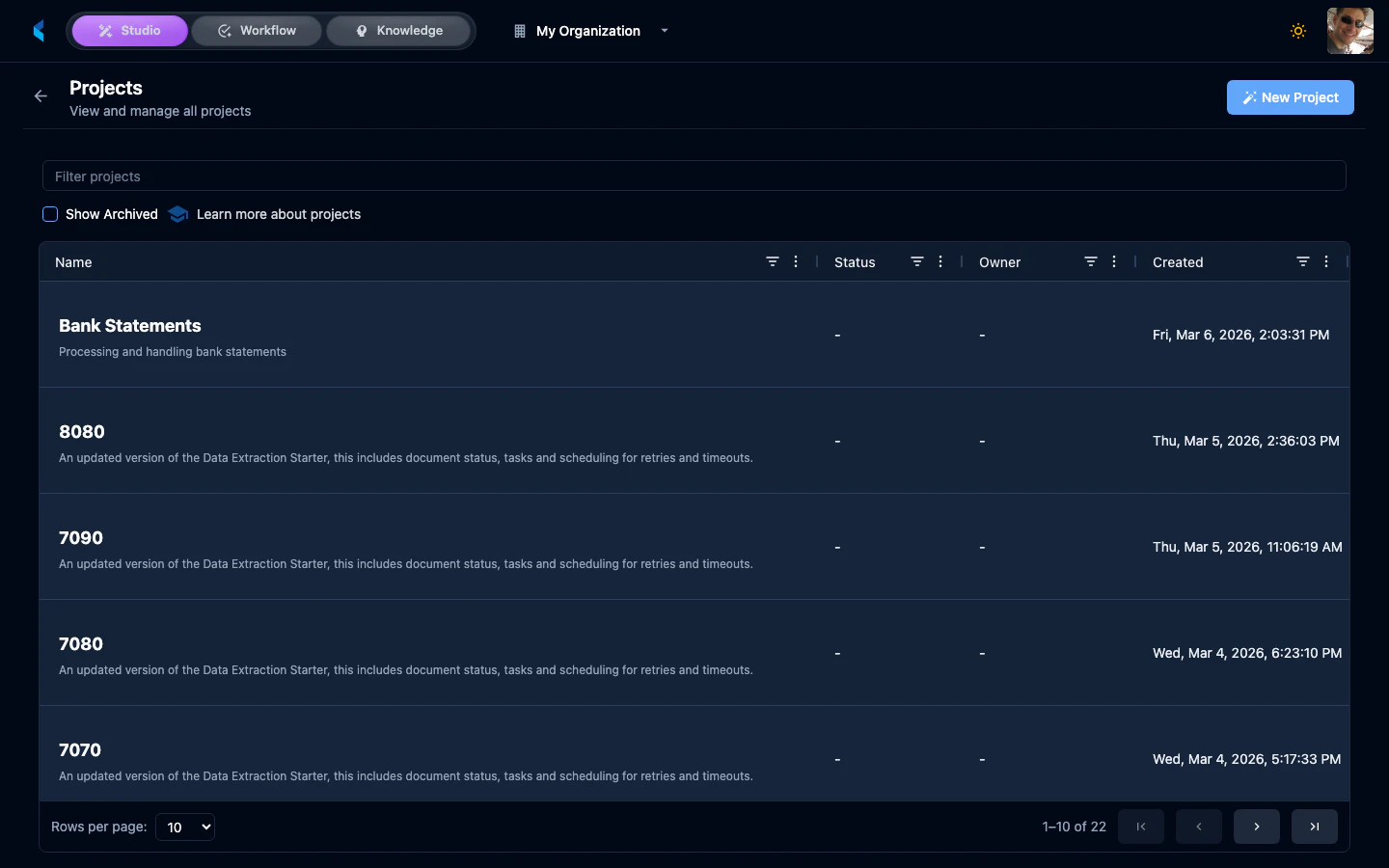
Project List
Each project entry shows:- Project Name — Click to navigate to the project home
- Status — Current project status
- Document Count — Number of document families in the project
- Last Activity — When the project was last updated
Searching and Filtering
Use the search bar to find projects by name. Filters allow you to narrow the list by project status or other criteria.Creating a New Project
Click the New Project button to open the Project Marketplace popup. You can:- Start from scratch — Create an empty project and configure it manually
- Use a template — Select a pre-configured project template that sets up document stores, data definitions, assistants, and other resources automatically