
Managing Statuses
Default Statuses
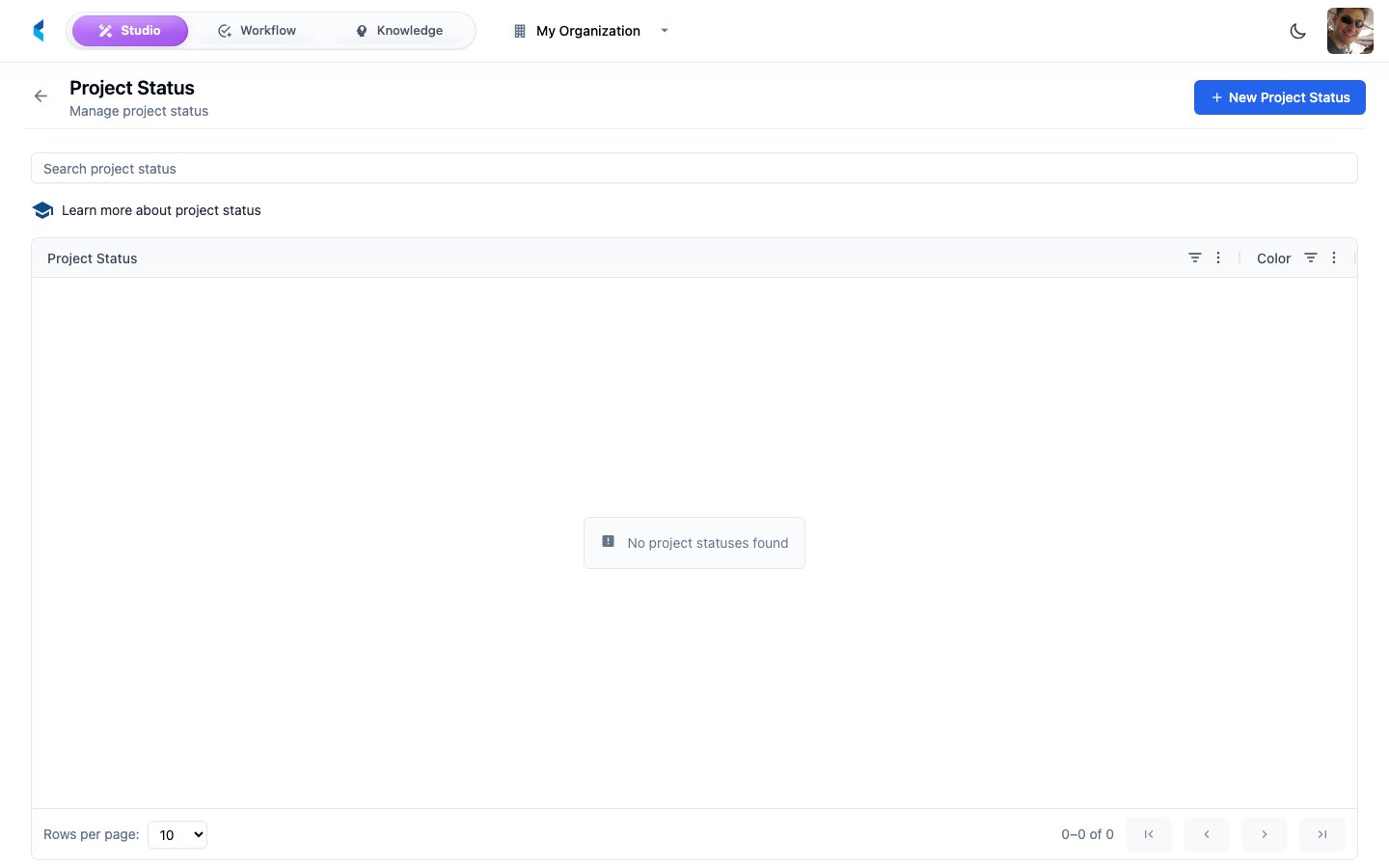
New organizations come with a set of default project statuses. You can customize these or add new ones to match your workflow.Creating a Status
1
Click Add Status
Open the status creation form from the Project Statuses page.
2
Configure
Set the status name and optionally assign a color for visual identification.
3
Save
The status becomes available for use across all projects in your organization.