
View Types
Document View
The primary document view renders PDFs and other document formats with an interactive overlay for viewing annotations, tags, and extracted data highlights.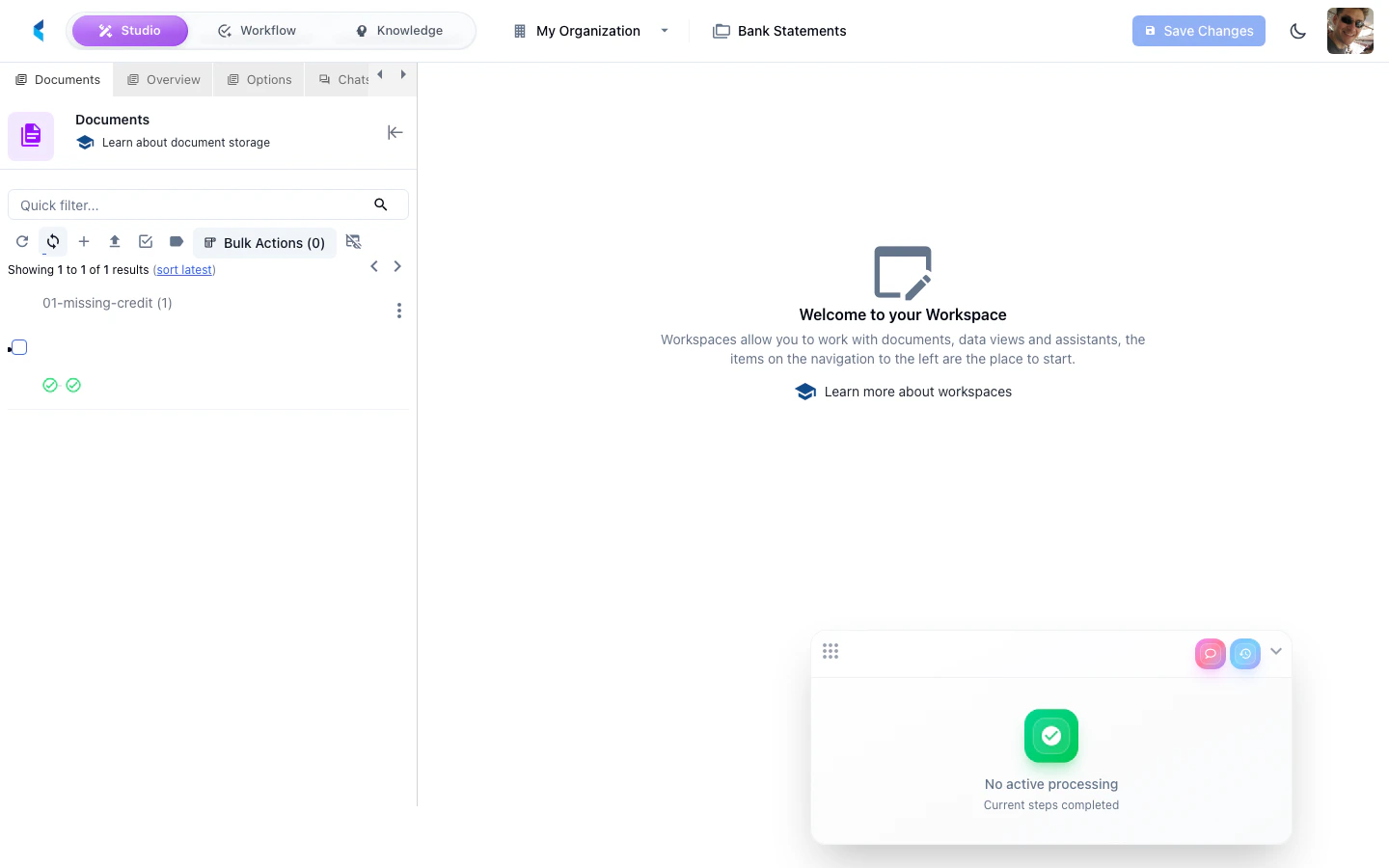
Data Form View
Renders a configured data form for reviewing and editing extracted structured data. Forms can display grids, single values, tree views, and other card types.Data Form Editor
A design-time view for editing data form YAML configuration with a live preview of the form layout.AI Form Editor
An AI-assisted form editing view that provides intelligent suggestions and auto-completion for form configuration.Text View
A plain text rendering of document content, useful for reviewing extracted text without the original document layout.Applied Knowledge View
Displays knowledge extraction results showing which knowledge items and features were extracted from the document.JSON View
A raw JSON view of the document’s data structure, useful for debugging and development.Cost Analysis View
Displays cost breakdown for processing a document, including AI model usage and estimated costs.Note View
A view for reading and editing notes attached to a document.Working with Tabs
You can open multiple views simultaneously as tabs in the center area. Click a tab to switch to that view, or close tabs you no longer need.