Documentation Index

Fetch the complete documentation index at: https://developer.kodexa.ai/llms.txt

Use this file to discover all available pages before exploring further.

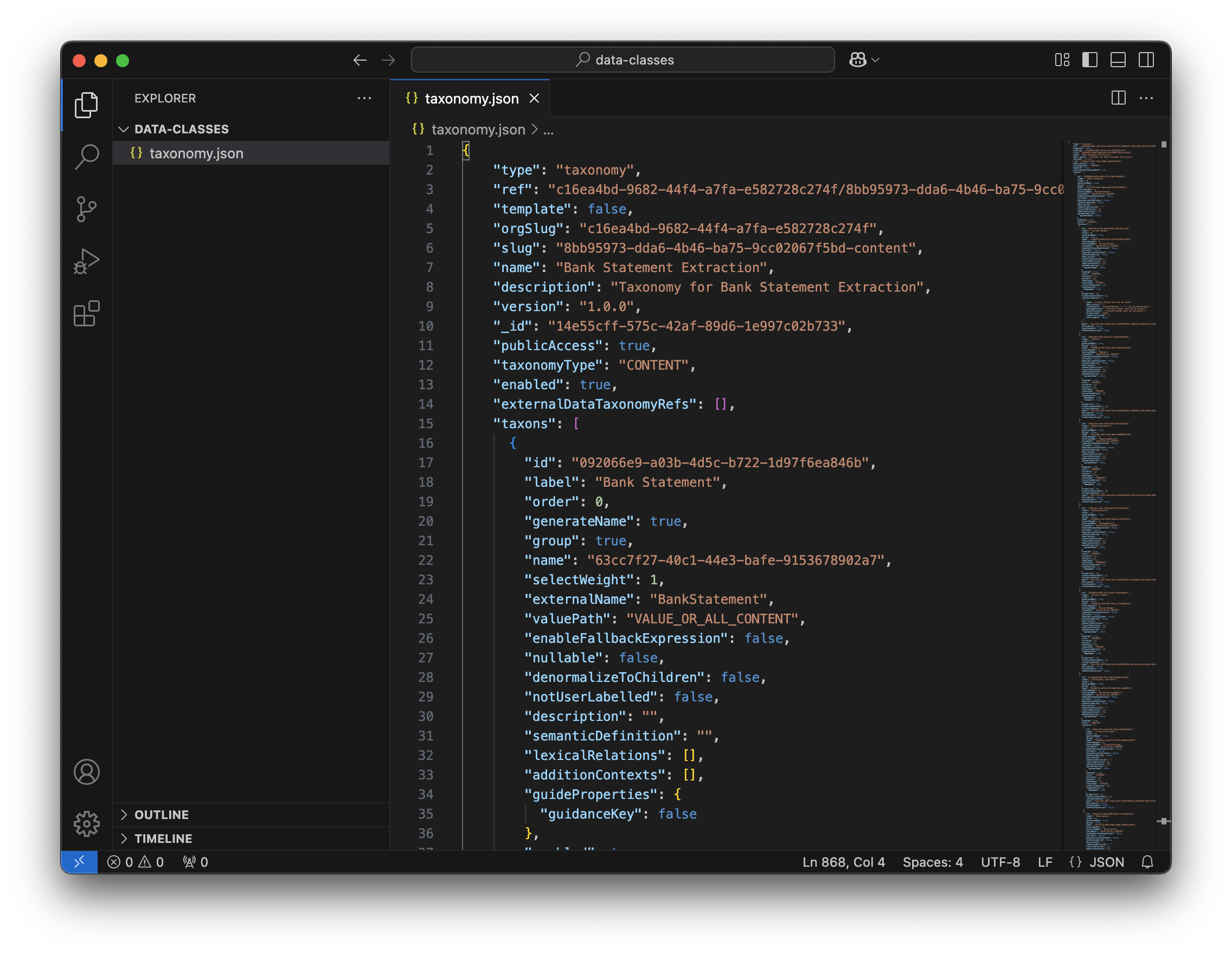
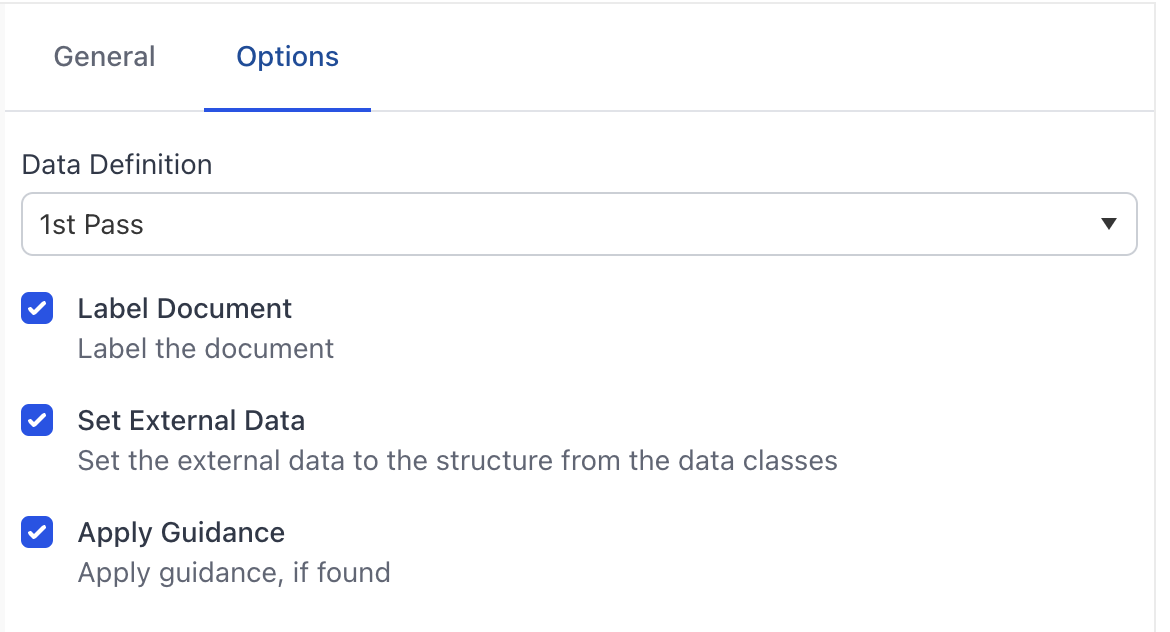
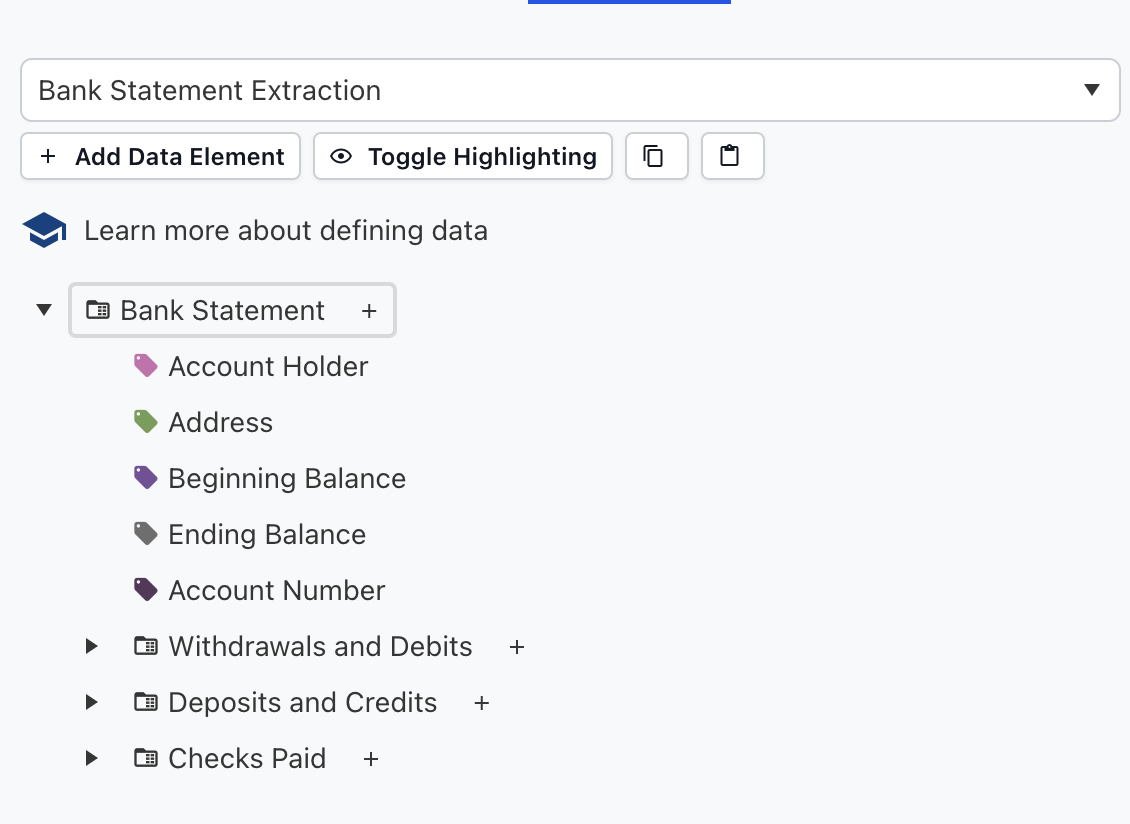
One of the key aspects of working with Data Definitions and extraction models is the ability to build Python data classes. These classes let you take the structured output bound to a document and apply business rules to it. This is a powerful way in which you can work with the Kodexa LLM Data Labeling models. If you look at an LLM Data Labeling model in a pipeline (in Manage Project / Data Flows) you will see on the options you can set the external data. This will store the data captured by the LLM in a special format that includes lineage to the document. Building Data Classes 1 You can then use this structure if you want to apply rules or transform it. To do this we can use the Kodexa Python SDK. Install it with pip install kodexa. If you go to your project and find the Data Definition used by your LLM model, Developer Tools gives you a copy action for the JSON representation of that definition. Building Data Classes 2 Then paste the content into a file. In this example, we will call it data-definition.json. Building Data Classes 3 If you have the Kodexa Python SDK installed, you can open a terminal and run the command:
kodexa dataclasses data-definition.json
This will create a dataclasses.py file that will contain the structure of the objects. Building Data Classes 4
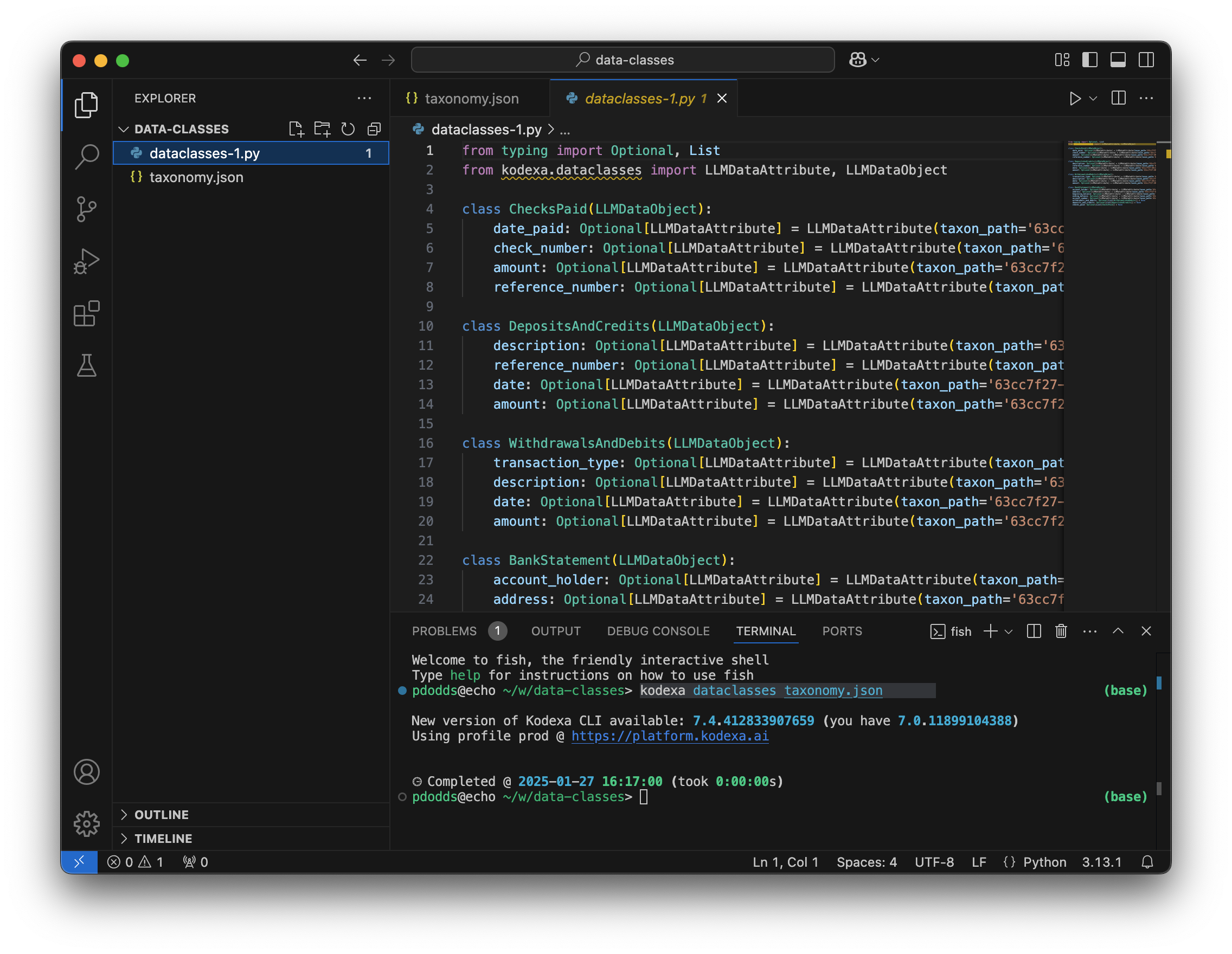
Always rename dataclasses.py since it might clash with the system package.
You can now use the dataclasses to read the data that was set in your model in external data, for example:
def infer(document):
	
	bank_statement = document.get_external_data()['bank_statement'][0]
If you wish to change a value, always update the normalized_text not the value.