
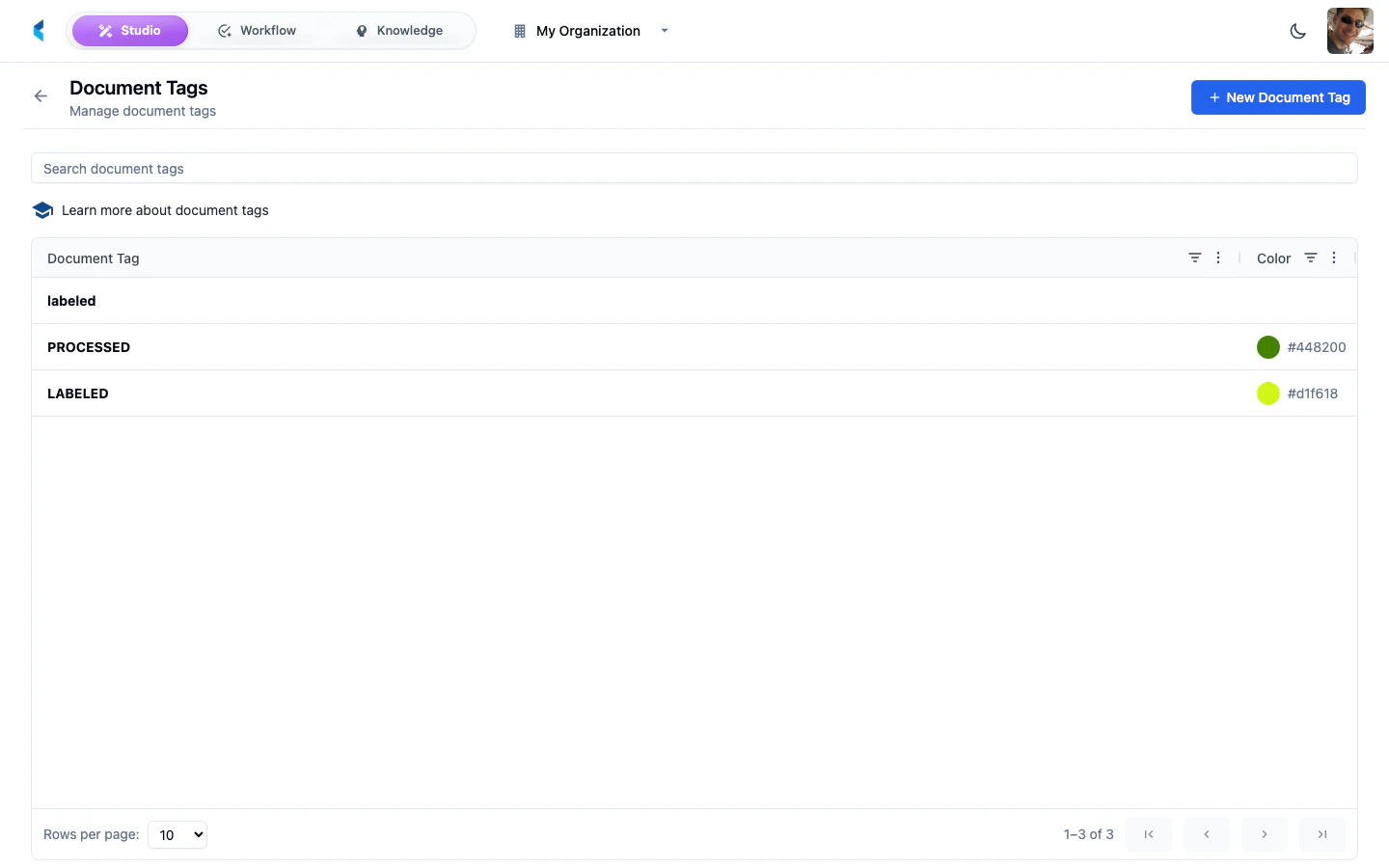
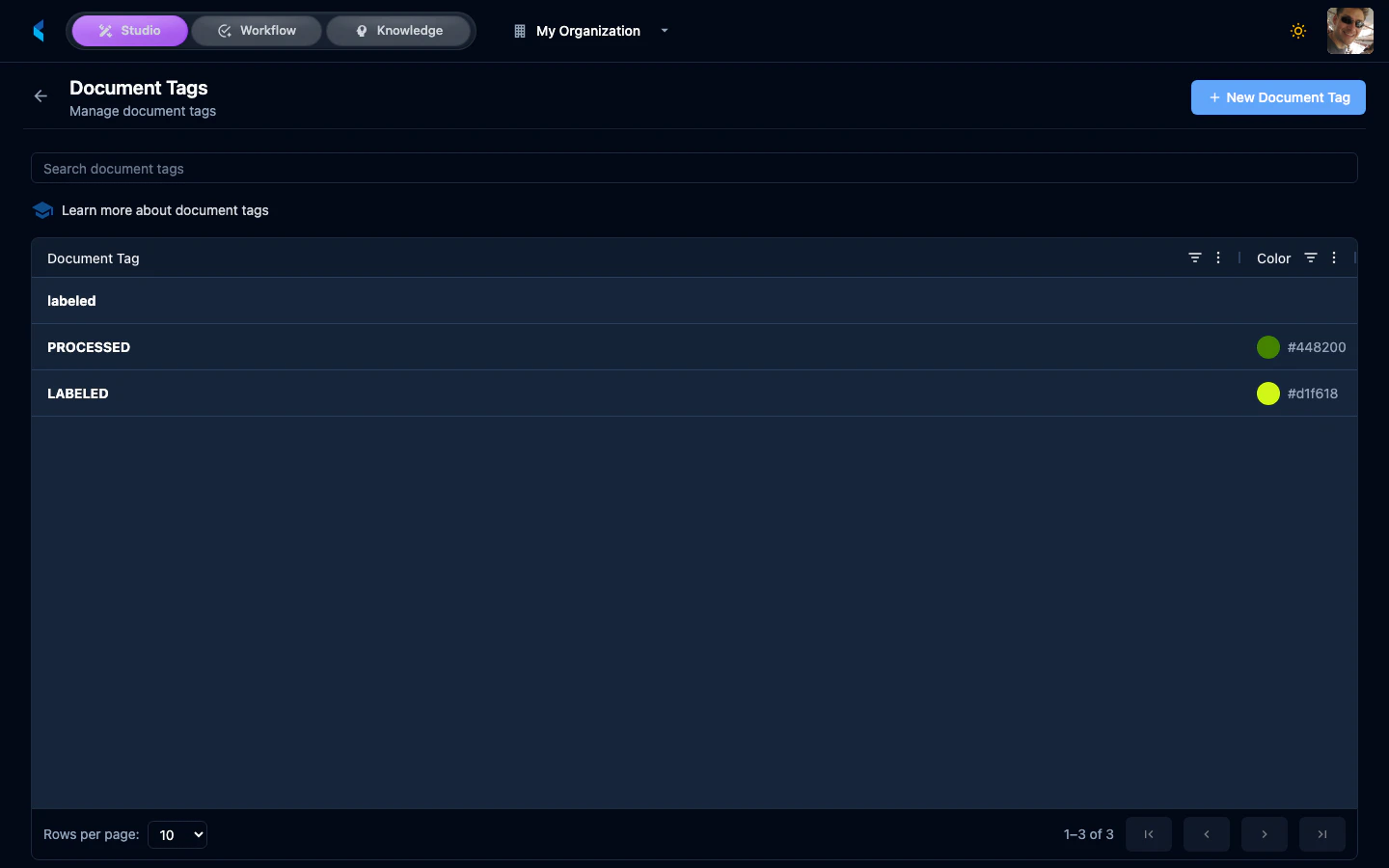
Document Tags provide a way to categorize and label documents across all projects in your organization. Tags can be used for filtering, searching, and organizing documents in document stores and the workspace.

Managing Tags

Creating Tags

Create tags with a name and optional color to visually distinguish them in the workspace and document lists. Tags are organization-wide and available in all projects.

Using Tags

Tags can be applied to document families from:
  • The workspace document list
  • The document family detail view
  • Bulk operations on selected documents
  • Programmatically via the API
Use tags to create cross-project categorizations such as document priority, review status, or document type classifications that are not captured by your data definitions.