The Navigation and Search panels help you move through document content and find specific information quickly.
Navigation Panel
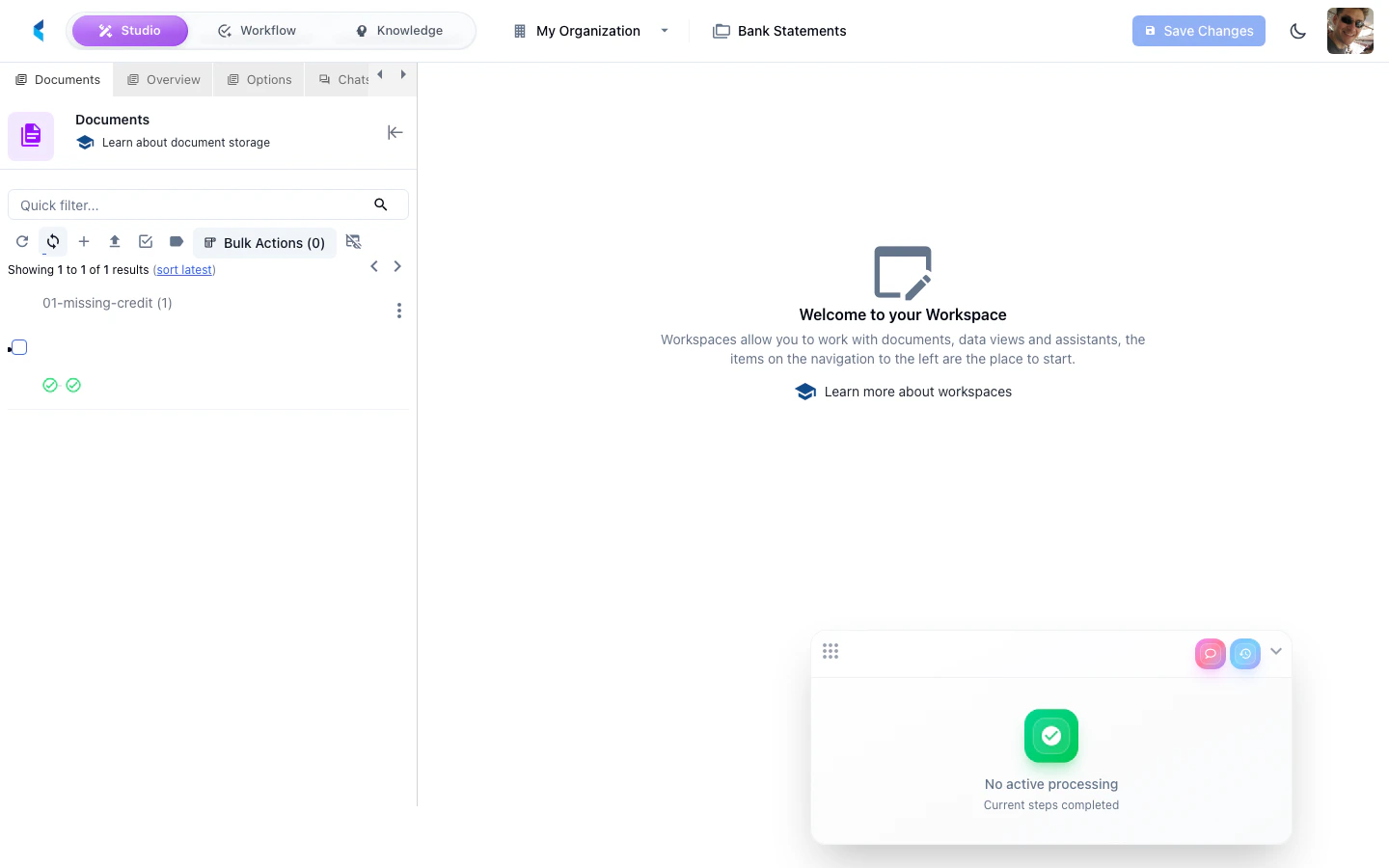
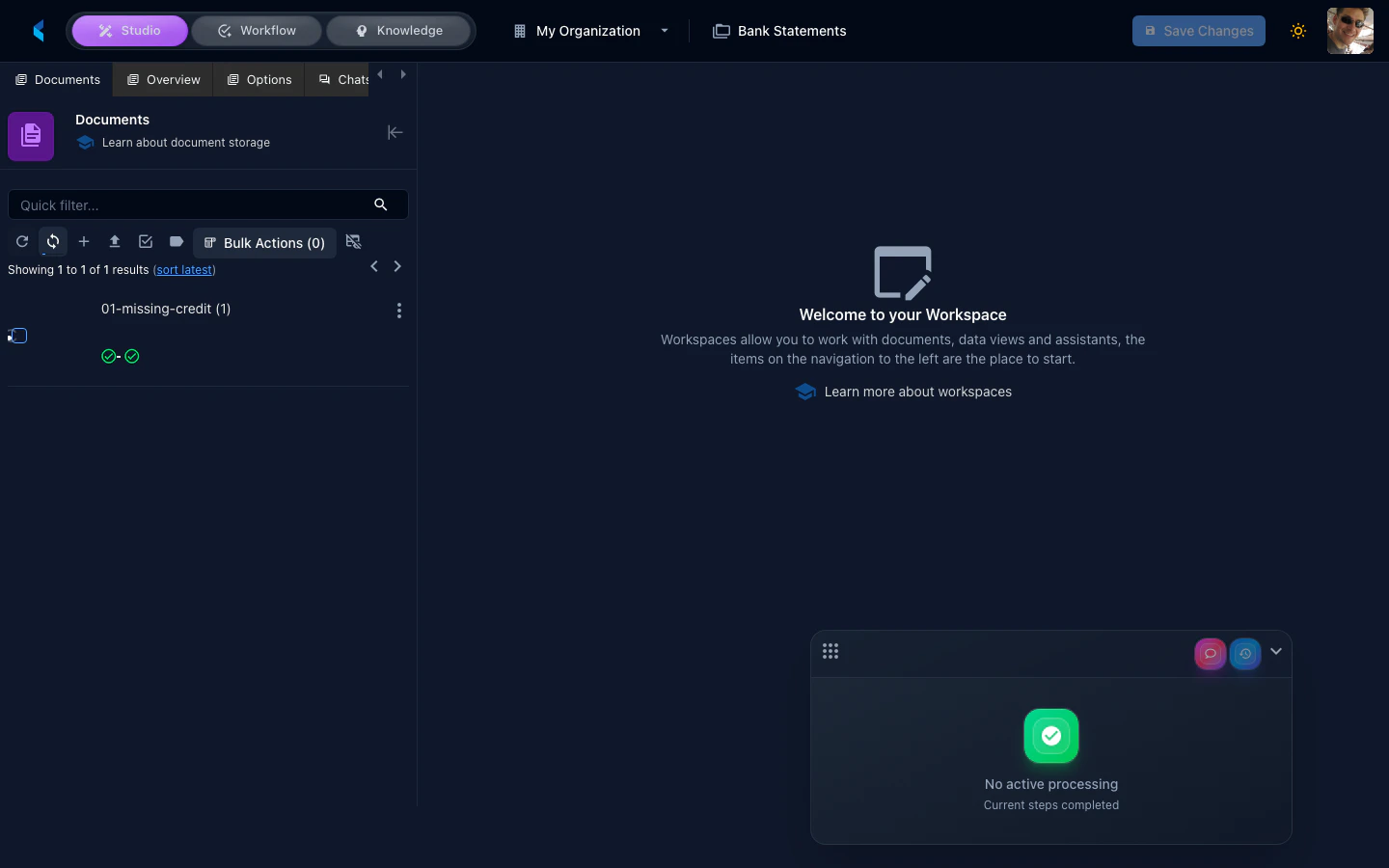
The Navigation panel displays the structure of the current document, allowing you to jump to specific pages or sections.
Features
- Page thumbnails — Visual thumbnails of each page for quick navigation
- Page jumping — Click a page to scroll the document view to that location
- Structure outline — For structured documents, shows the heading hierarchy
Search Panel
The Search panel provides full-text search within the current document or across all documents in the store.
Features
- Full-text search — Search for text within the current document
- Result highlighting — Matching text is highlighted in the document view
- Result navigation — Click a search result to jump to its location in the document
Use the search panel to quickly locate specific values or text passages when reviewing long documents.
Smart Grid Filters
All grid views across the platform (tasks, projects, document families, scheduled jobs, etc.) include a unified search bar with advanced filtering capabilities.
Search Modes
The search bar supports two modes, toggled via the mode switch:
| Mode | Description |
|---|
| Query | Simple text search across visible columns (default) |
| Filter | Structured expression-based filtering with field names, operators, and values |
Recent Queries
Both modes maintain a recent query history per grid, persisted to local storage. Click the search bar to see your recent searches and re-apply them with one click. Query and filter histories are tracked separately.
Structured Filters
In filter mode, the search bar provides metadata-aware autocomplete:
- Field suggestions — Type to see available filterable fields for the current resource type
- Operator suggestions — After selecting a field, see valid operators based on the field type (e.g.,
=like= for strings, > for numbers, is null for any type)
- Value suggestions — For boolean fields, date fields with dateMath helpers, and enumerated values
Example filter expressions:
status=like="pending" AND assignee.email=like="john"
createdOn>dateMath("now-7d") AND priority=="high"
title=like="invoice" OR title=like="receipt"
AI Filter Generation
The filter dropdown includes an AI tab where you can describe what you want in natural language. The platform generates the structured filter expression for you.
For example, typing:
“Show me all tasks assigned to John that were created in the last week”
Generates a filter like:
assignee.email=like="john" AND createdOn>dateMath("now-7d")
Grid State Persistence
Grid views automatically persist their state (column sizes, sort order, applied filters) so your preferred layout is restored when you return to a page. 