
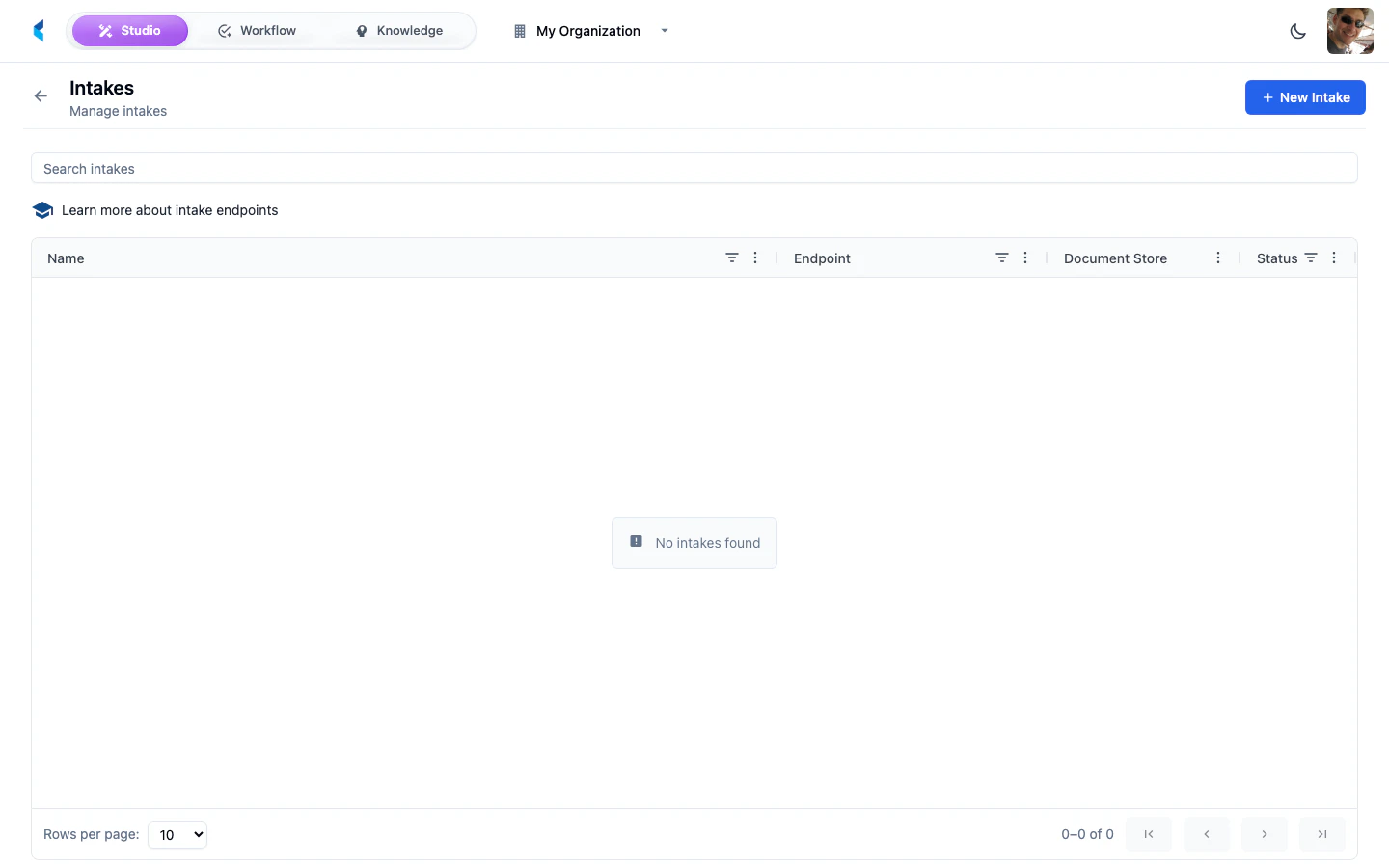
How Intakes Work
An intake creates an HTTP endpoint that external systems can send documents to. When a document arrives at an intake endpoint:- The document is uploaded to the configured document store
- If a script is configured, it runs to validate or enrich the document metadata
- A document family is created for tracking
- If an Activity Plan is configured or returned by the script, an Activity is started
- Any configured knowledge features are assigned to the document
- Domain events are published for downstream automation and audit
Upload Endpoint
Each intake exposes an upload endpoint at:invoice-upload in organization acme-corp would be available at:
Single File Upload
Multiple File Upload
When Allow Multiple Files is enabled on the intake, you can upload multiple files in a single request:Request Parameters
Response
Returns HTTP201 on success with the created document family object. For multiple files, returns an array of document family objects.
External data is stored directly in the KDDB document, not in a separate database table. Processing modules can access it via
doc.get_external_data() (Python) or doc.getExternalData() (TypeScript/WASM). The platform UI reads it directly from the loaded document.Configuring an Intake
1
Create Intake
Click the add button on the Intakes page. Provide a name and slug for the intake. The slug determines the upload endpoint URL.
2
Select Target Store
Choose the document store where incoming documents should be stored.
3
Configure Options
Set up optional features such as scripting, Activity Plans, knowledge features, and metadata.
Intake Settings
Script Tab
Intakes support a JavaScript scripting tab that lets you run custom logic on each uploaded file before it is stored. Scripts run in a Goja JavaScript runtime with a 5-second timeout.Available Variables
Return Value
Scripts return an object that controls how the upload is processed:Activity Plan Selection
When theactivityPlan field is present in the return value, the script controls which Activity Plan starts for the upload:
- Bare slug — starts the Activity Plan with that slug in the current organization
activity-plan://orgSlug/planSlugURI — starts the referenced Activity Plan- Field omitted entirely — falls back to the static Activity Plan configured on the intake
When scripting is enabled, the static Activity Plan dropdown in the Settings tab is disabled. Activity selection moves to the script.
Example: Validate File Size
Example: Route by Document Content
Example: Dynamic Activity Routing
Route documents to different Activity Plans based on content:- Starts the invoice intake Activity Plan for invoices, passing the detected amount
- Starts the contract intake Activity Plan for contracts
- Sends unrecognized documents to a document triage Activity Plan
- Leaves Task creation decisions inside the Activity Plan step graph
Enable the Script toggle to activate script execution. You can disable it without deleting the script code.
Loading Shared Modules
Intake scripts can load shared JavaScript modules using the Module Refs picker in the Script tab. Pre-loaded modules’ functions and variables are available in global scope within your intake script, letting you reuse common validation, transformation, or enrichment logic across multiple intakes. Select one or more JavaScript modules from your organization. They are fetched and executed in order before your intake script runs.Activity Plan
Static Assignment
Select an Activity Plan from the dropdown to automatically start an Activity for each uploaded document. When configured:- An Activity is started from the selected plan
- The uploaded document family is linked to the Activity
- Activity inputs default to
{}unless a script suppliesinputs - Any human work is created by
CREATE_TASKsteps inside the Activity Plan
Script-Driven Assignment
When a processing script is enabled on the intake, the static Activity Plan dropdown is disabled. Instead, the script controls which Activity Plan starts by returningactivityPlan, title, description, and inputs. This allows:
- Conditional routing — different document types enter different Activity Plans
- Activity inputs — pass classification, source-system, priority, or extraction hints into the plan
- Consistent human work — create Tasks from
CREATE_TASKsteps inside the plan when review is needed - Reusable process design — keep the business workflow in an Activity Plan instead of embedding it in an intake script
Knowledge Features
Select one or more knowledge feature types to automatically assign to every document uploaded through this intake. This lets you pre-classify documents at ingestion time — for example, tagging all documents from a specific intake as belonging to a particular vendor or document category.Processing Metadata
The Processing Metadata section lets you define key-value pairs that are attached to every document uploaded through this intake. These metadata values are available to downstream Activity steps and processing modules. Metadata is merged in this order (later values override earlier ones):- Intake-level metadata (configured here)
- Metadata extracted from the document file
- Per-upload metadata (provided in the API request)
- Script modifications (if a script is enabled)
The following keys are reserved and automatically stripped from the metadata object before storage. Use them as separate form parameters instead:
externalData, labels, statusId, knowledgeFeatures, documentVersion.labels=invoice,urgent creates labels INVOICE and URGENT. Labels that don’t exist in the organization are created automatically.
API Tokens
The API Tokens tab lets you create scoped tokens for machine-to-machine authentication against a specific intake endpoint. Unlike user API keys, intake tokens are scoped to a single intake and bypass user authentication — making them ideal for automated pipelines, third-party integrations, and CI/CD workflows.Creating a Token
1
Open the API Tokens tab
Select an intake and navigate to the API Tokens tab.
2
Create a new token
Click the add button. Optionally set an expiration date.
3
Copy the token
The plaintext token (prefixed with
kit_) is shown only once. Copy it immediately and store it securely.Using Intake Tokens
Pass the token in thex-api-key header when uploading to the intake endpoint:
Managing Tokens
The API Tokens tab displays all tokens for the intake with their creation date, hint, and expiration status. Click the delete button to revoke a token. A confirmation dialog is shown before deletion.Token Security
- Tokens are hashed with SHA-256 before storage — the platform never stores plaintext tokens
- Each token is scoped to a single intake and cannot access other resources
- Tokens can have optional expiration dates
- Revoked tokens take effect immediately
Each intake provides a unique URL. Keep intake URLs and authentication credentials secure, as anyone with access can submit documents to your organization.