
What is a Project Template?
A project template packages the configuration of an existing project into a reusable blueprint. This includes:- Document stores and their configurations
- Data definitions (taxonomies)
- Assistants and their pipeline configurations
- Data forms
- Scheduled jobs
- Project options and settings
Managing Templates
Viewing Templates
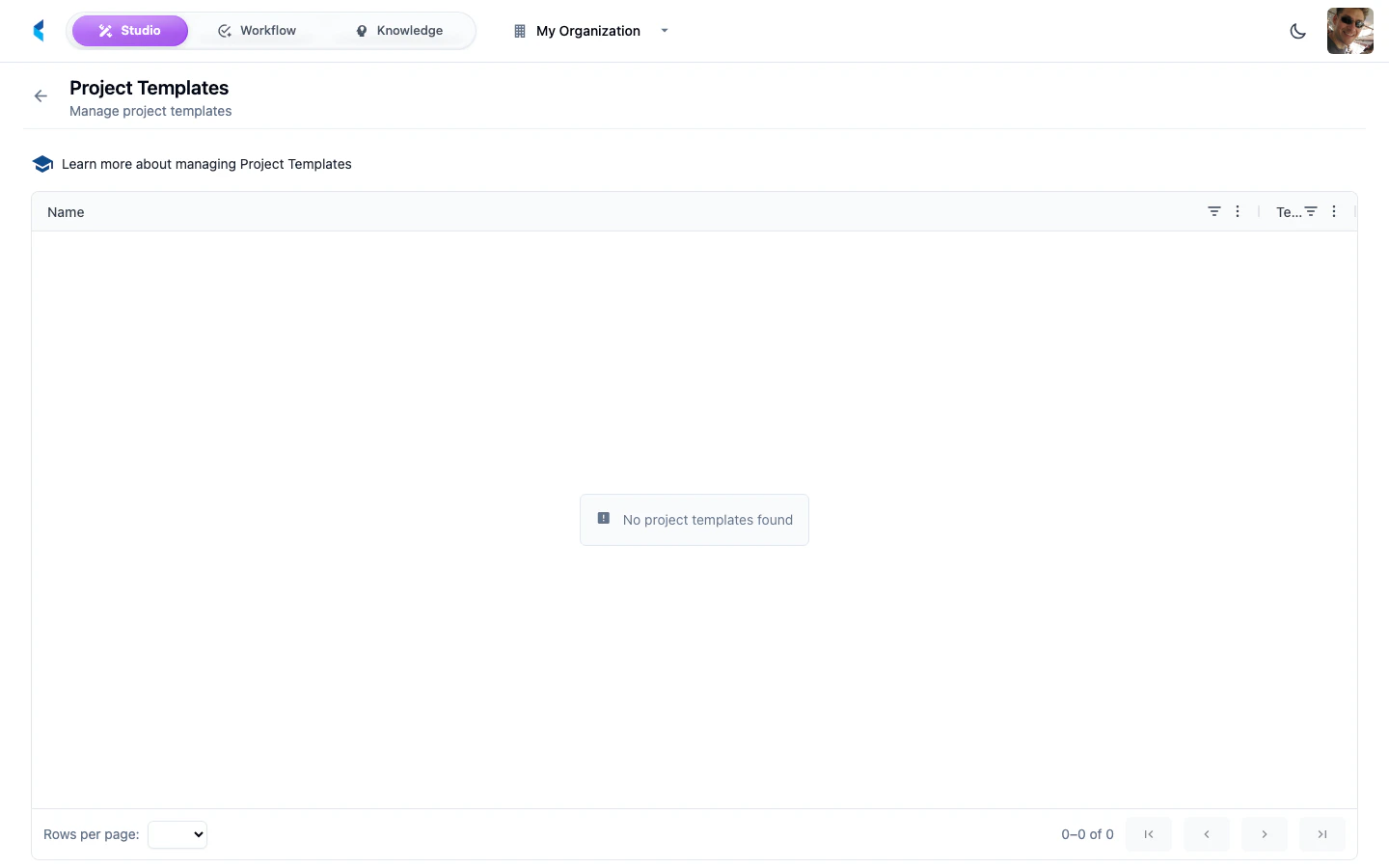
The templates list shows all templates available to your organization, including templates from subscribed product catalogs and custom templates created from your projects.Creating a Template from a Project
Templates are created from existing projects. Navigate to a project’s home page and use the Create Template option to package the project’s current configuration as a template.For detailed information on building and configuring project templates, see the Project Templates guide.