
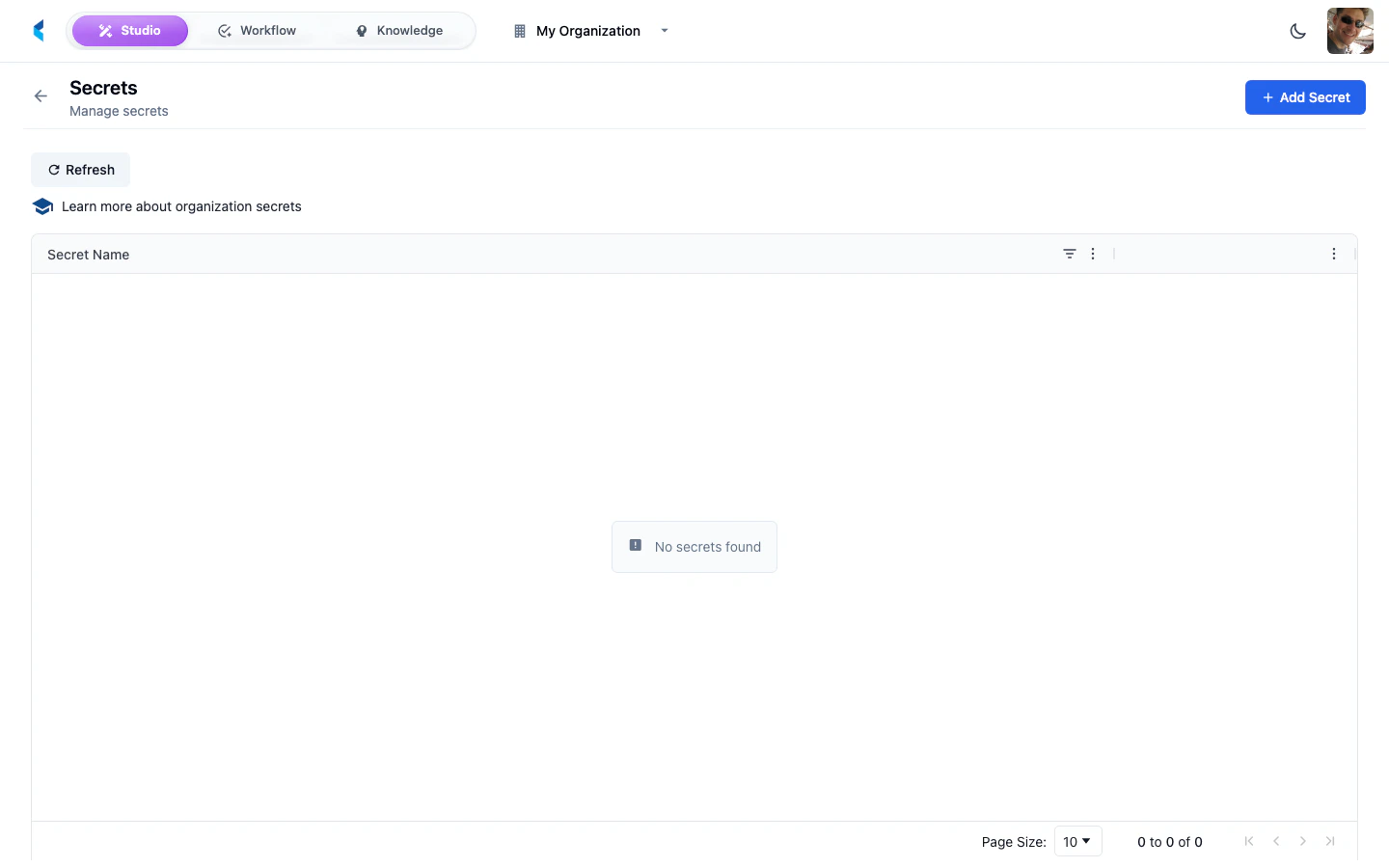
Managing Secrets
Adding a Secret
1
Click Add Secret
Open the secret creation form from the Secrets page.
2
Enter Name and Value
Provide a name (used to reference the secret in modules) and the secret value. Names must contain only letters, numbers, hyphens, and underscores.
3
Save
The secret is encrypted and stored securely. The value will not be displayed again after saving.
Using Secrets in Modules
Modules can reference organization secrets by name. When a module executes, the platform injects the requested secrets into the module’s runtime environment.Using Secrets in Service Bridges
Service Bridges can reference organization secrets using the${secrets.SECRET_NAME} syntax. The platform resolves these references at request time. Secrets can be used in:
- Base URL —
baseUrl: "${secrets.MY_API_URL}" - OAuth credentials —
clientId: "${secrets.MY_CLIENT_ID}"andclientSecret: "${secrets.MY_CLIENT_SECRET}" - Header values —
value: "Bearer ${secrets.MY_TOKEN}"
Secrets API
Secrets are managed through the organization-scoped API:Secret values can only be retrieved by the platform during module execution (via execution tokens). The API does not expose secret values to regular users.