
Card Groups
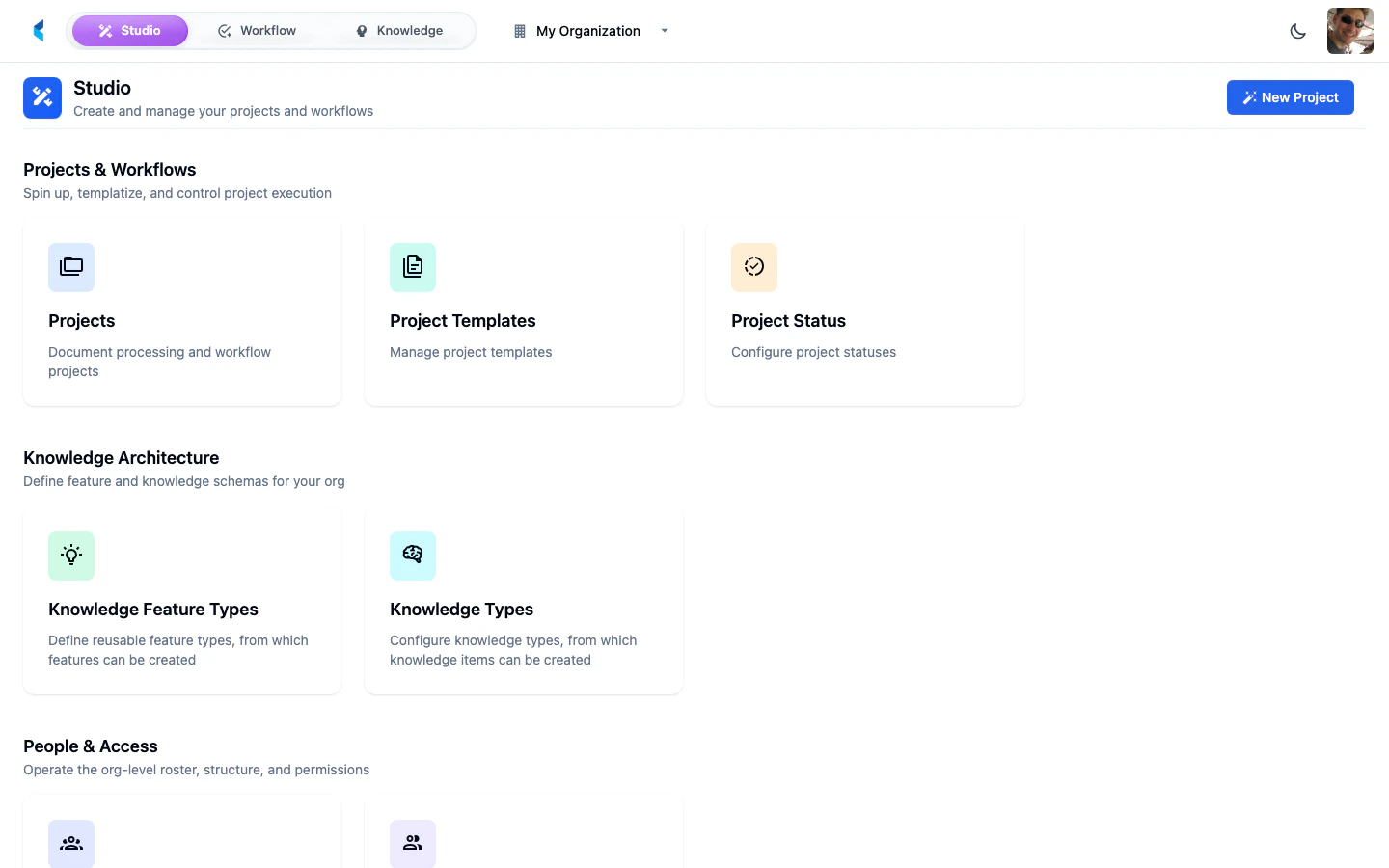
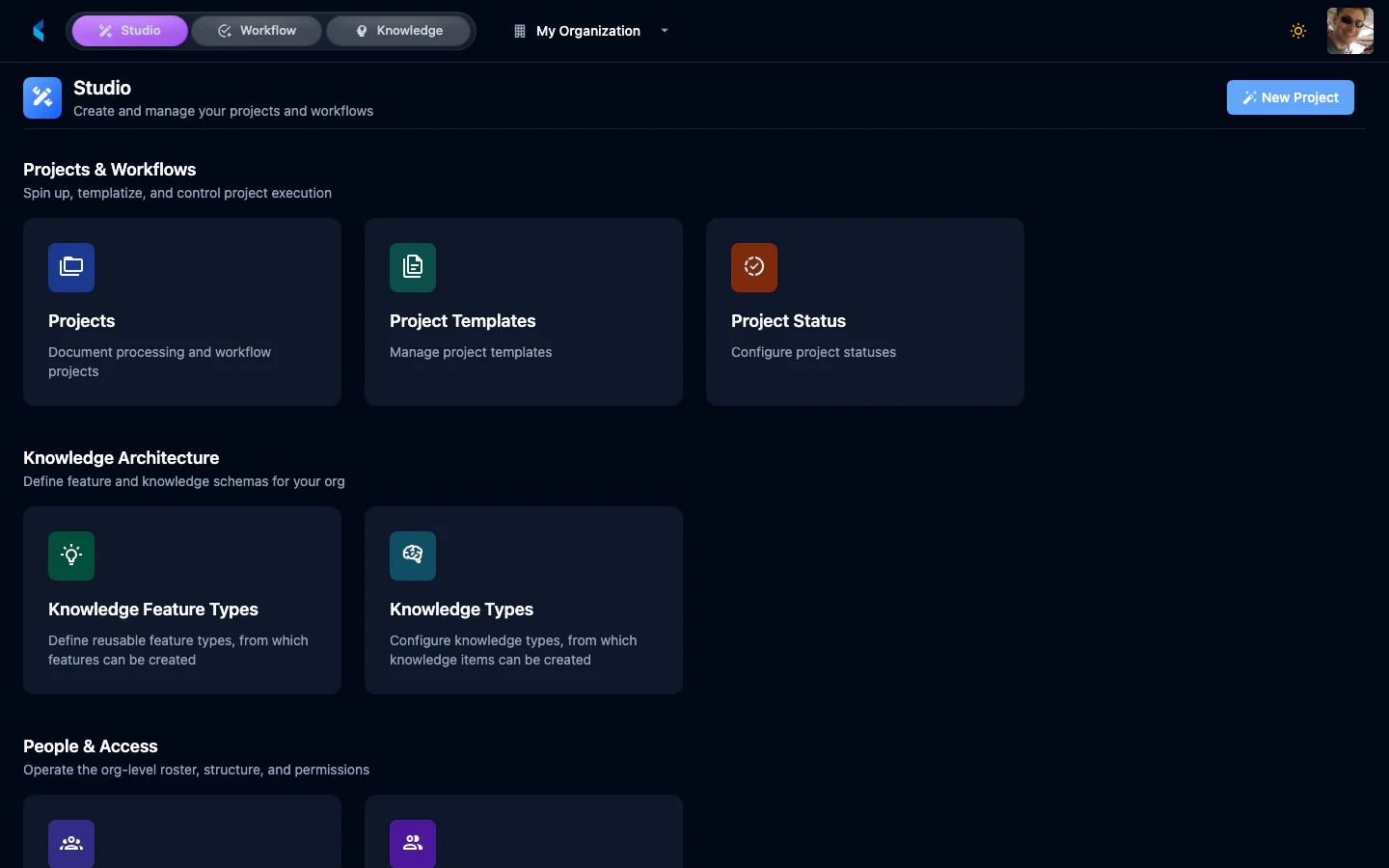
Organization Home is organized into the following sections:Projects & Workflows
Projects
View, create, and manage document processing and workflow projects.
Project Templates
Manage reusable project templates for standardized setups.
Project Status
Configure project status values used across your organization.
Knowledge Architecture
Knowledge Feature Types
Define reusable feature types for knowledge extraction.
Knowledge Types
Configure knowledge item types for organizing extracted knowledge.
People & Access
Members
Invite and manage organization members.
Teams
Organize members into teams for project collaboration.
Custom Modules
Custom Modules
View and manage custom processing modules deployed to your organization.
Controls & Reporting
Organization Profile
Manage organization name and description.
Reporting
Access organization-level analytics and dashboards.
Secrets
Manage API keys and credentials used by modules and integrations.
Document Tags
Define tags for categorizing documents across projects.
Intakes
Configure document intake endpoints for automated ingestion.
Creating a New Project
From Organization Home, click the New Project button to open the Project Marketplace. This allows you to create a new project from scratch or from an existing template.