
What are Data Forms?
Data forms create structured interfaces for viewing and editing the data extracted from documents. They support various card types including:- Grids and tables for tabular data
- Single-value displays for individual fields
- Tree views for hierarchical data
- Tabs and panels for organizing complex layouts
Managing Data Forms
Viewing Data Forms
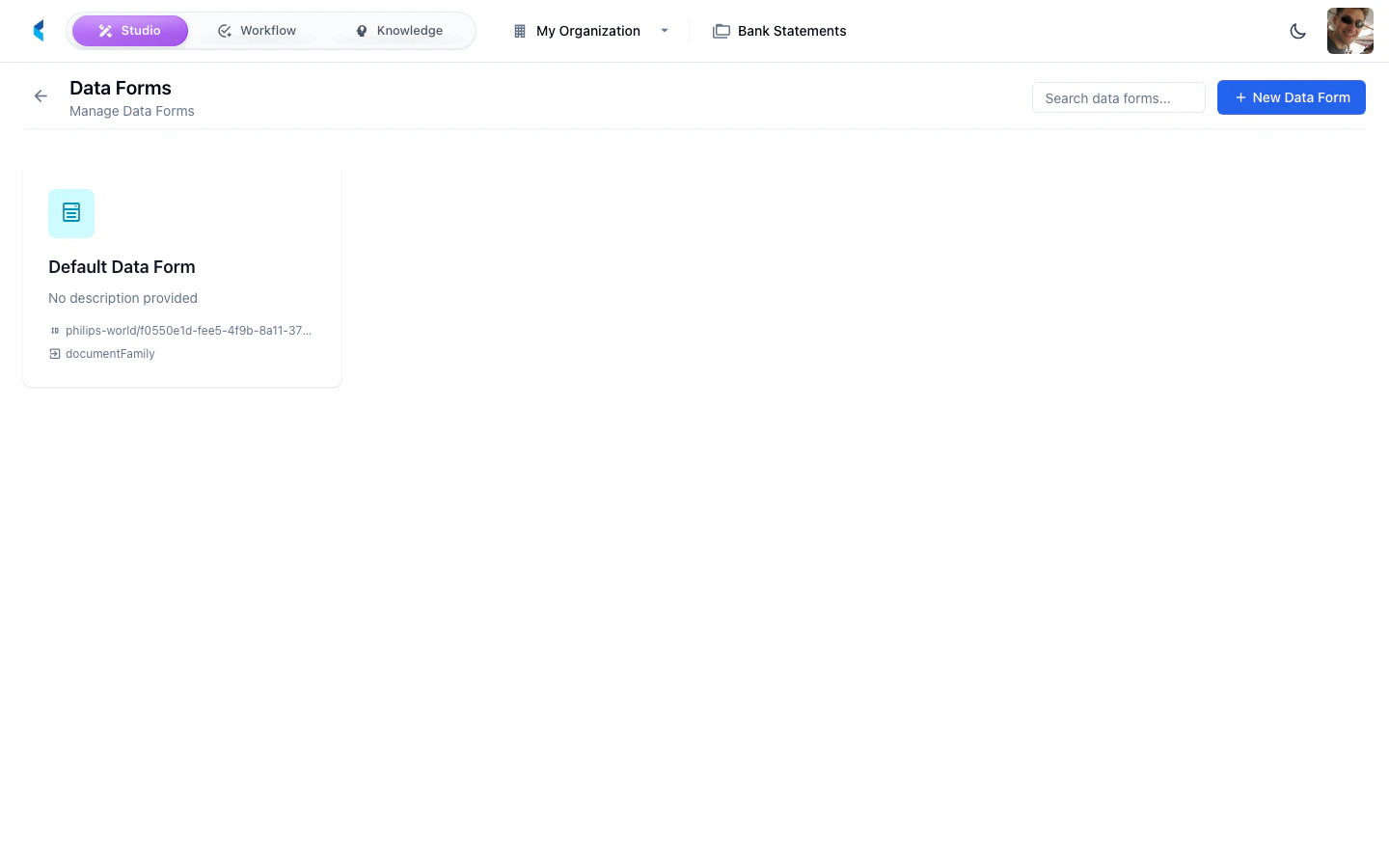
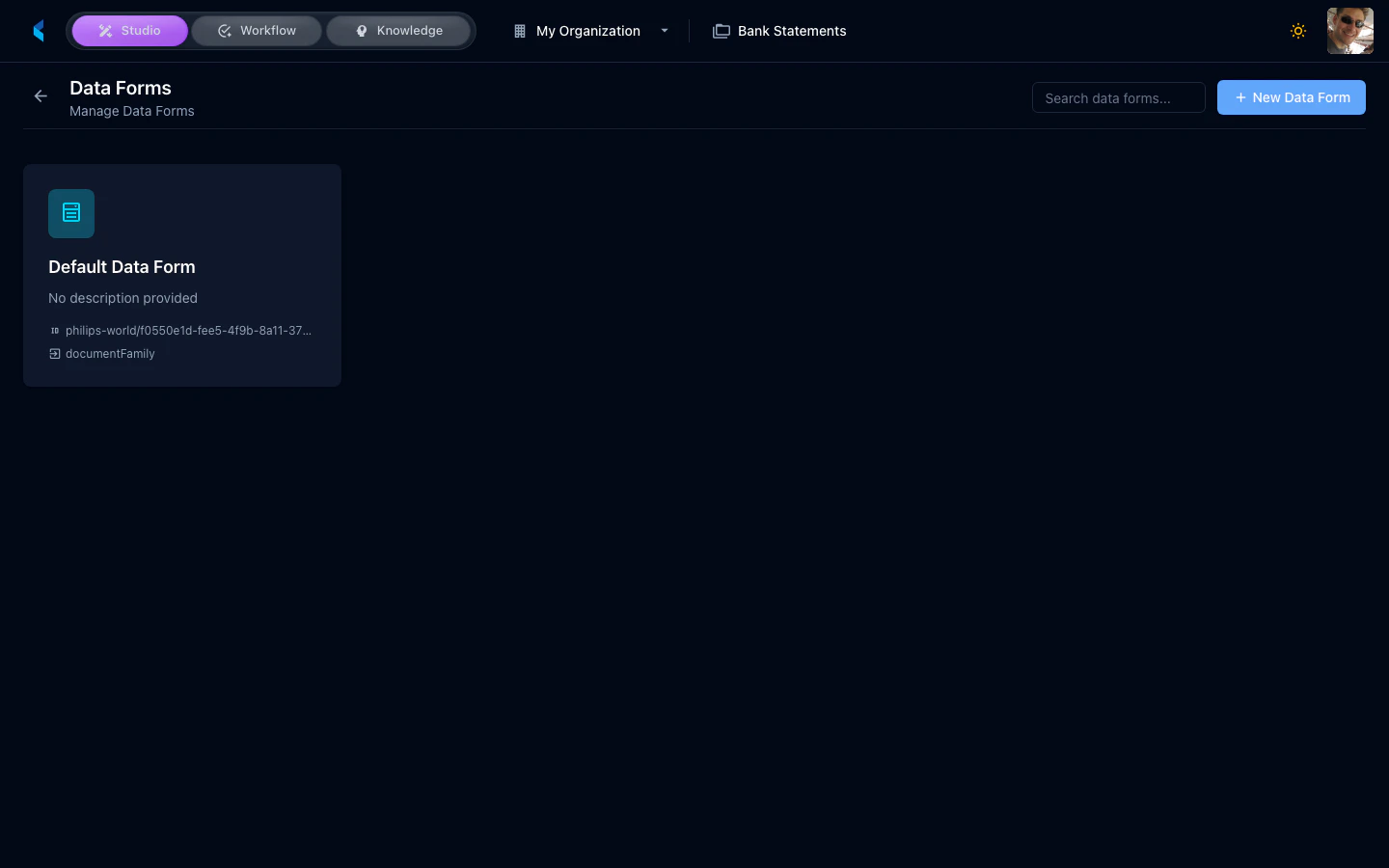
The data forms grid shows all forms configured for your project. Click a form to open its editor.Editing a Data Form
The data form editor provides a YAML-based configuration interface where you define the layout, cards, and data bindings for your form.Creating a New Data Form
Click the add button on the data forms grid to create a new form. You can start with a blank configuration or use an existing form as a starting point.For detailed documentation on data form configuration, card types, and advanced features, see the Data Forms guide.