
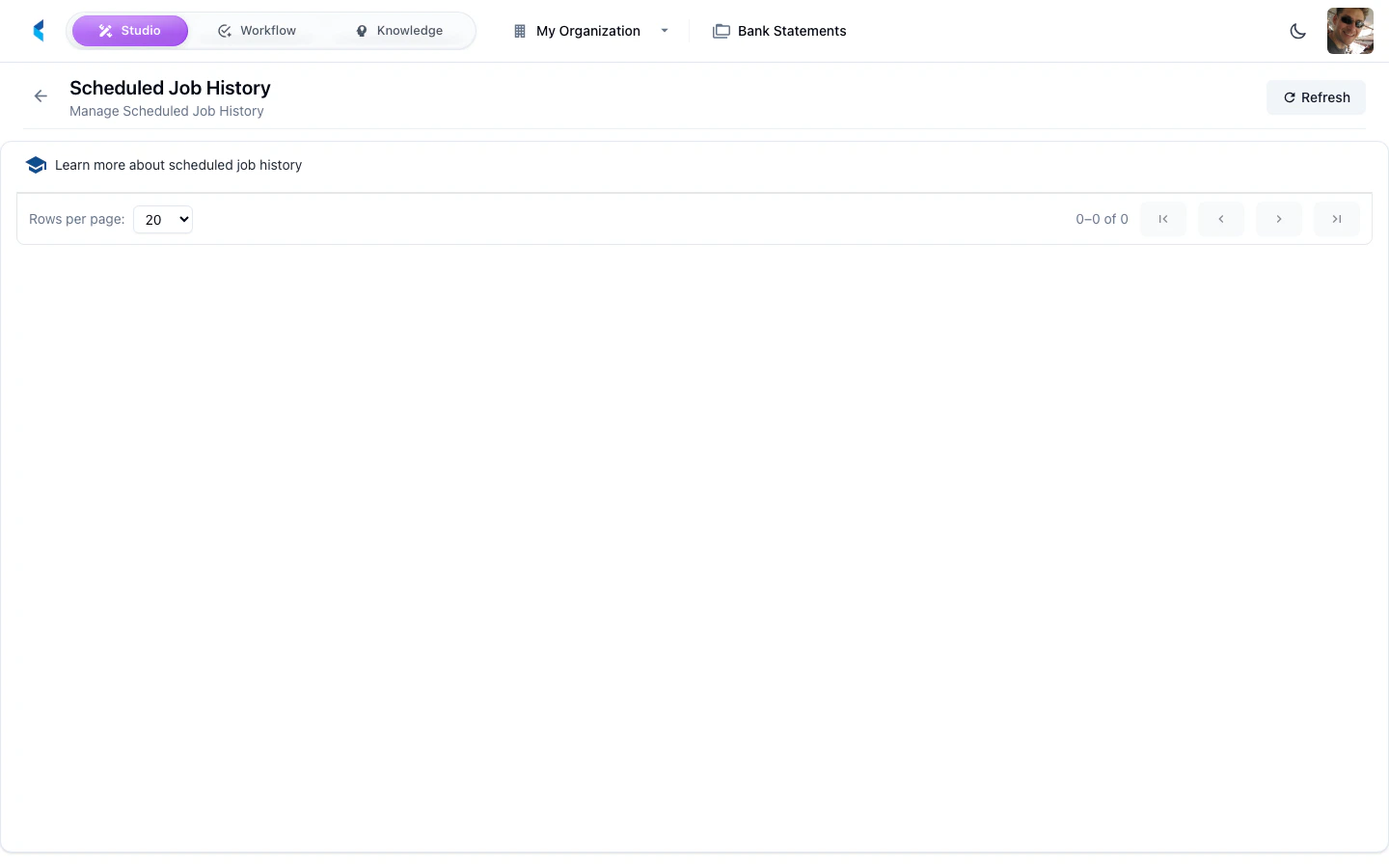
The Scheduled Job History page shows a log of all past executions of your project’s scheduled jobs. Use it to monitor job health, diagnose failures, and review execution metrics.
Execution Details
Each history entry shows:
- Job Name — Which scheduled job ran
- Execution Time — When the job executed
- Status — Whether the execution succeeded or failed
- Duration — How long the execution took
Click an entry to see detailed execution information including logs and any errors.
Filtering History
Use the filters to narrow the history view by:
- Date range
- Job name
- Execution status (success, failure)
Check the job history regularly after setting up new scheduled jobs to confirm they are executing successfully and within expected time frames.